


Guide
How to create a paid channel on Telegram
The private channel, the choice between group and channel, Telegram's own Stars subscription and charging in your own currency with a bot, with Telegram as the source.
LibertyBot Blog
Short guides on VIP groups, paid channels and bots on Telegram. Every Telegram fact comes with its source and the date it was checked.
Guide
The private channel, the choice between group and channel, Telegram's own Stars subscription and charging in your own currency with a bot, with Telegram as the source.
Guide
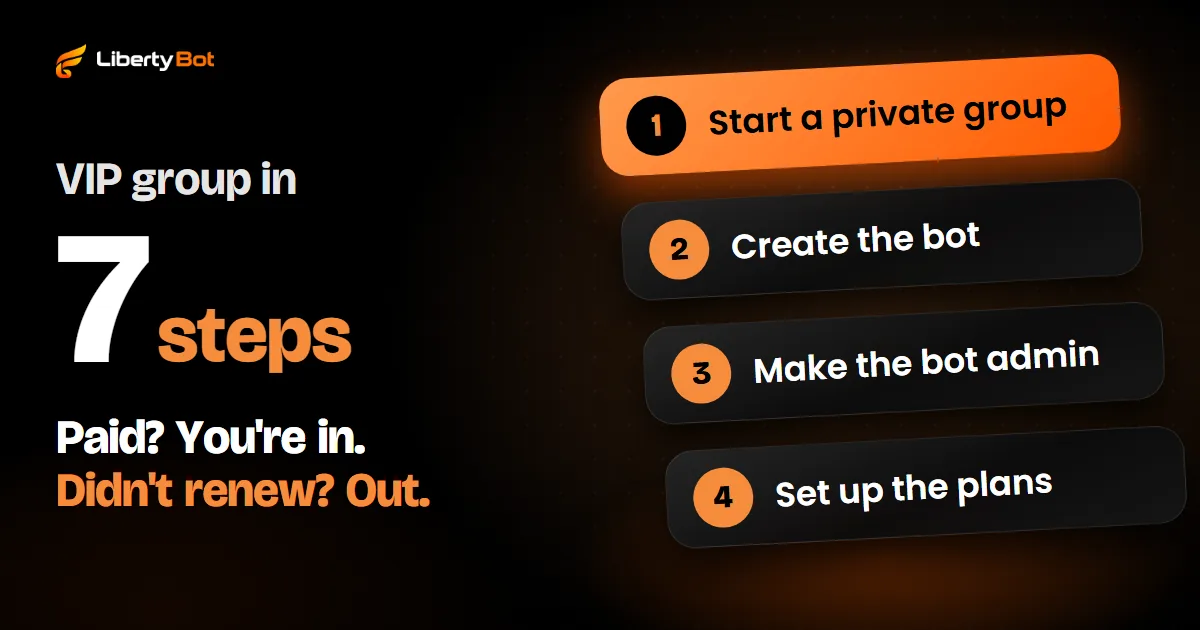
The full path to running a paid VIP group on Telegram: from the private group to the invite for people who paid and the exit for people whose plan expired.
Guide
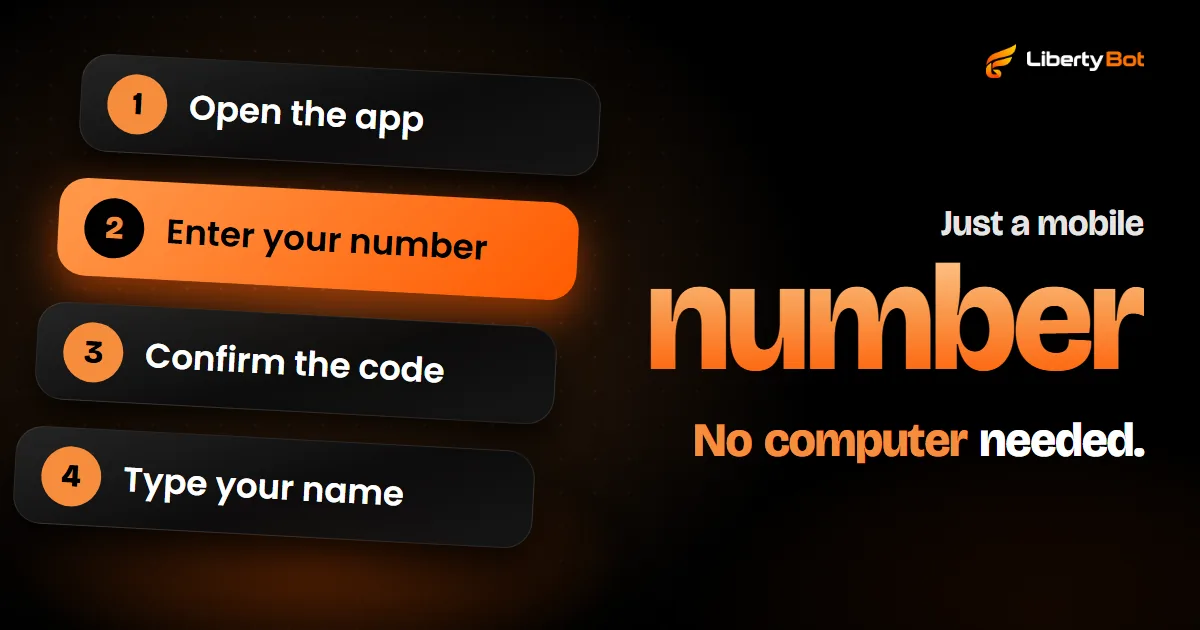
To create a Telegram account, download the app on your phone, enter your number with your country code, confirm the code that arrives on your phone, usually by SMS, and type your name. After that, your computer and browser log in by scanning a QR code with your phone.
Guide
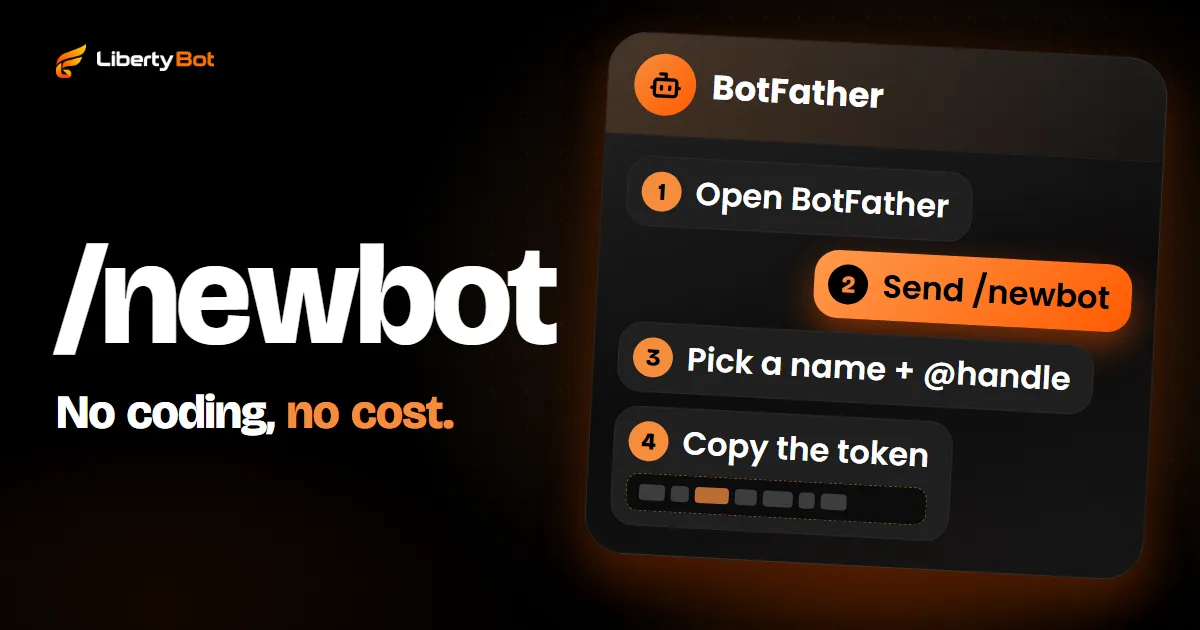
Create the bot in BotFather in a few minutes, keep the token like a password and make the bot an admin of your group or channel with the right permissions.
Guide
Removing in the app, banning or letting the bot remove whoever didn't renew: what each path does and when the person can come back through the link.
Guide
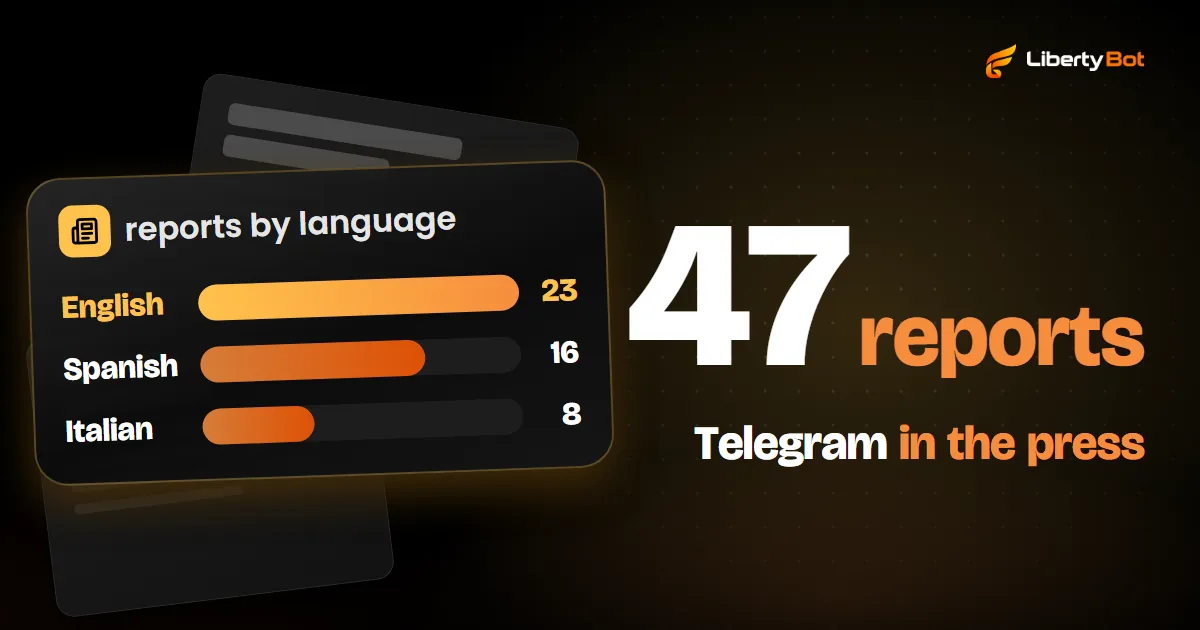
Telegram keeps a list of articles about the app on its press page. Read in order, they tell its story: the 2013 launch, the rush of people coming from WhatsApp in 2014, the 100 million users of 2016 and what Pavel Durov said in interviews.
Guide
If a Telegram invite link has expired or stopped opening, it's for one of three reasons: the time ran out, the spots filled up or the admin revoked it. On your side, there's no way to reopen that link: ask whoever sent it for a new one. If you paid for access, your purchase still stands.
Guide
Telegram security starts with your account: a two-step verification password, a recovery email and a look at your connected devices. The rest is knowing that Telegram never asks for a code or password, checking payments on the gateway and not on a screenshot, and reporting what breaks the rules.
The bot shows your plans, takes the payment, confirms it with the gateway and sends the group invite.
Free account. 5% per card sale, R$0.50 per crypto or Stars sale.