GuidePublished 9 min read
Telegram invite link expired: what to do
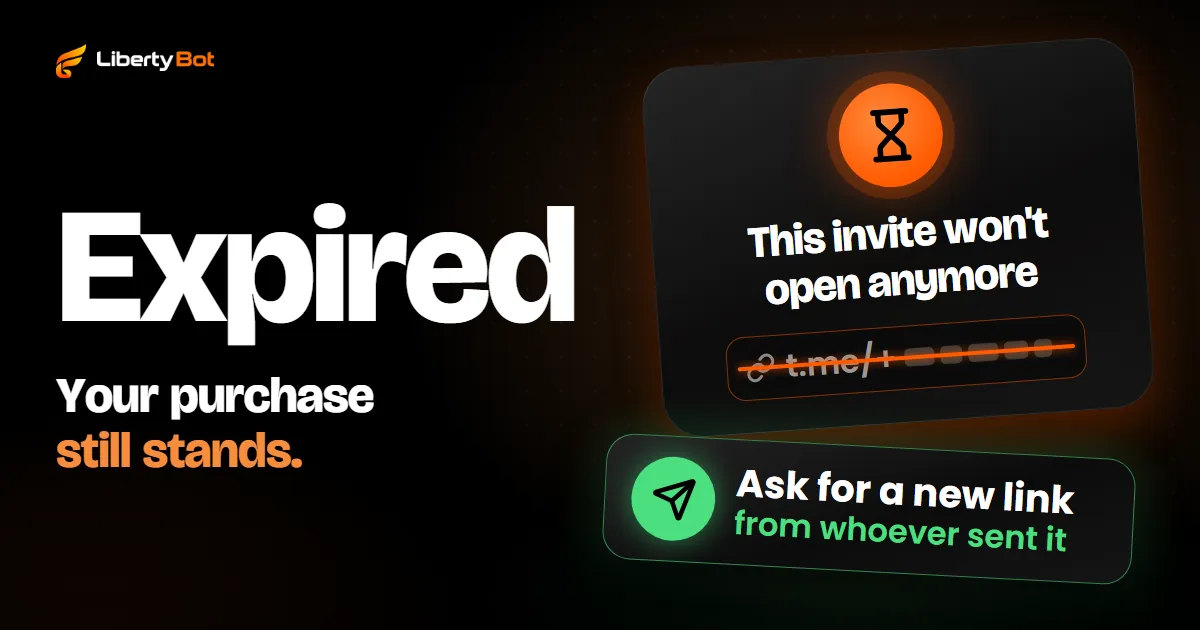
If a Telegram invite link has expired or stopped opening, it's for one of three reasons: the time ran out, the spots filled up or the admin revoked it. On your side, there's no way to reopen that link: ask whoever sent it for a new one. If you paid for access, your purchase still stands.
 By LibertyBot TeamLibertyBot Blog
Why your Telegram invite link expired
There are three reasons, and all three depend on whoever runs the group or channel:
- The time ran out. Whoever creates the link can set a date for it to stop working. Once that date passes, it won't open anymore.
- The spots are taken. The link can accept a maximum number of people. Once the spots are full, anyone who comes later can't join.
- The link was revoked. The admin canceled the link. According to the Telegram FAQ (opens in a new tab), a revoked link stops working immediately.
Only the owner or an admin of the group can create a new link or change a link's expiry or limit. If the person who sent you the link is a regular member, ask them to talk to an admin. Reinstalling the app or switching networks won't make the link open.
| The message mentions | What it means | What to do |
|---|---|---|
| Expired link | The link's time ran out. A revoked link or one with no spots left also stops opening | Ask whoever sent it for a new link |
| Invalid link | The address arrived cut off or with a wrong character | Copy the whole link again or ask for another one |
| Join request sent | The link requires an admin's approval | Wait for approval |
| Too many groups and channels | Your account has already joined too many groups and channels | Leave one you don't use and try again |
I paid and the link expired: what to do
The link is just the door. Its expiry doesn't undo the purchase, and the seller can create another link for the same access. Follow this order:
Check whether you're already in
Tap the magnifying glass on the chat list and type the name of the group or channel. If it shows up among your chats, you already joined: the link was used by you.
Go back to the purchase chat
Open the bot or chat where you paid. Sometimes the delivery message has a button to request access again.
Ask for a new link
If there's no button, message the seller. Send the receipt, or the date and amount of the purchase, and your Telegram @username, if you have one.
Use the link as soon as it arrives
The new link may also have a short expiry and just one spot. Tap it right away and don't pass it on: if someone else uses it first, the spot is theirs.
Don't pay twice
Ask for the link to the purchase you already made. And don't use a paid group link found on a website or social media: it may be expired or a scam.
If the purchase message has the VIEW MY ACCESS button
Some bots that sell through LibertyBot send this button in the purchase message. Tap it: the bot checks your purchase and replies like this:
- You're still in the group: it doesn't create another link and confirms your access, with the end date when the plan has one.
- The link you got is still valid: it sends the same link again. If that link still won't open, someone else may have taken the spot.
- The link expired and you're not in the group: it cancels the old link and sends a new one, valid for 60 minutes (in a Temporary Group, resending follows a different rule).
- The plan has already expired: it tells you that access has expired. Then the problem isn't the link, it's renewing.
Through this button, the bot creates up to 3 new links per purchase. Contact the seller if that limit runs out, if the bot confirms your access and you're still outside, or if the same link keeps not opening: send /status to see whether your access is active and /suporte (or /support) to see the seller's contact, if they added one.
For admins: how to create a new invite link
If the link expired or leaked, create another one and revoke the old one. The path below is the one Telegram published; button names may change between app versions.
Open the group's links
Open the group or channel, tap the name at the top, then Edit (on Android, the pencil) and Invite Links.
Create a new link
Give it a name. Telegram shows who joined through each link, and the name tells you where each join came from.
Choose an expiry, a limit or approval
Set a date for it to expire, a maximum number of people or both. Or require approval: anyone who taps the link sends a request, and an admin approves or declines it. A limit and approval don't go together on the same link.
Revoke the old link
In the old link's menu, choose to revoke it (on Android, Revoke Link). It stops right away, but anyone who already joined stays: to remove someone, see how to remove someone from a Telegram group.
Send it only to people who expect it
Telegram says unsolicited invites and ads tend to be reported as spam. If the moderators uphold the report, the account is limited for a few days, and for longer if it happens again.
How to change your Telegram invite link
Every private group and channel has a primary link. To change that link, revoke it: Telegram automatically generates another one, and the old one stops opening. Do this when the link leaks.
In a public group or channel, the link is the address with its name (t.me/name), and anyone can join without an invite. Revoking that link makes the group or channel private. That's why a paid group or channel should be private.
For developers
In the Bot API, the link comes from createChatInviteLink, with expire_date and member_limit, and editChatInviteLink changes both on an additional link created by the bot. member_limit counts how many people who joined through that link can be in the group at the same time: anyone who leaves frees up the spot. creates_join_request turns on approval and doesn't accept member_limit alongside it.
Why one link per purchase, with an expiry date, helps sellers
A permanent link, the same for everyone, gets around: it ends up in screenshots and other groups, and still opens the group months later. A link per purchase, with an expiry date, expires on its own, accepts one person at a time and is tied to a purchase, and Telegram shows who joined through it. It doesn't stop sharing: if the buyer sends the link before using it, whoever taps first gets in, and the link stops opening for the buyer. That's why a short expiry matters: the less time the link is valid, the less time it circulates.
How to set this up by hand, from the per-purchase link to removal at expiry, is in the guide how to create a VIP group on Telegram.
What LibertyBot does on its own with invites
LibertyBot is a Telegram sales bot: it shows the plans, checks the payment and delivers access. With invites, the bot does this on its own:
- It creates one link per purchase, with an expiry date, tied to the order. With the plan's VIP Group/Channel delivery, the link is valid for 24 hours and accepts one person at a time.
- It doesn't create extra links: while the purchase's link is valid, that's the one the bot sends again.
- It handles VIEW MY ACCESS as described above, with up to 3 new links per purchase. That button comes in the final message when the plan delivers a Deliverable from the library.
- With the VIP Group/Channel delivery, the purchase message only has the ACCESS PRODUCT button, which opens the link itself. If that link expires before the person joins, the buyer has to contact you, and you send another one with Resend invite in the dashboard. That's why you should add the support @username to the flow: it's what /suporte shows.
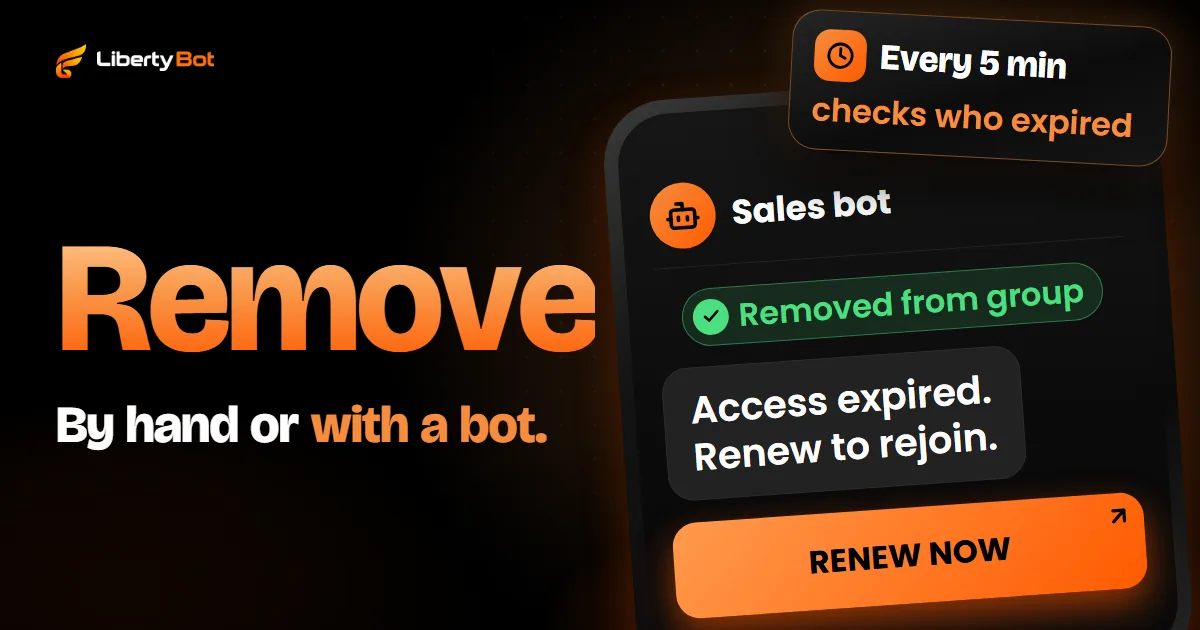
- By default, at expiry it removes the person from the group or channel without leaving them banned and cancels their invite: they can come back with a new purchase. For that, the bot has to remain an admin, with Ban Users turned on. With Remove from the group turned off, the person stays, but their invite stops working.
- The link can be passed on before its first use. At expiry, the bot removes the account that bought; whoever joined through the link in its place doesn't leave on their own. Check from time to time who joined through each link and remove that person by hand.
In the dashboard, under Customers > Access Control, you see who's active and who has expired. Anyone who left the group shows as Left after you check the person on Telegram. On each person's row, the circular arrows button (Check status on Telegram) checks whether they're in the group, and the paper plane button (Resend invite) sends the invite again, without the limit of 3: the same link, if it's still valid, or a new one, valid for 60 minutes.
Frequently asked questions
Can I reactivate an invite link that expired?
Not on your side. Whoever runs the group handles it: they change that link's expiry or create a new one and send it to you.
What does an invalid invite link mean?
That the address doesn't lead to any invite, usually because it arrived cut off or with a wrong character. Copy the whole link again; if it's still invalid, ask whoever sent it for another one.
How long does a Telegram invite link last?
It depends on who created it. The primary link is valid until someone revokes it. Additional links can have an expiry date, a member limit or both.
Does revoking the link remove people who already joined?
No. A revoked link only stops opening for people who haven't joined yet. To remove someone, you have to remove the person from the group.
Why did the new link expire so fast too?
A short expiry is on purpose: that way the link circulates less. On LibertyBot, the new link the bot sends through VIEW MY ACCESS is valid for 60 minutes (in a Temporary Group, the rule is different).
Sources (checked on )
- Telegram Bot API: createChatInviteLink and revokeChatInviteLink (opens in a new tab)
- Telegram Bot API: editChatInviteLink (opens in a new tab)
- Telegram API: invite links and join requests (opens in a new tab)
- Telegram API: errors when joining through an invite link (messages.importChatInvite) (opens in a new tab)
- Telegram FAQ: invite links and public groups (opens in a new tab)
- Telegram blog: expiring invite links (February 23, 2021) (opens in a new tab)
- Telegram spam FAQ (opens in a new tab)
- Telegram app text in English: groups and channels (opens in a new tab)