GuidePublished 9 min read
How to create a paid channel on Telegram
The private channel, the choice between group and channel, Telegram's own Stars subscription and charging in your own currency with a bot, with Telegram as the source.
 By LibertyBot TeamLibertyBot Blog
How a paid channel on Telegram works
To create a paid channel on Telegram, also called a VIP channel, you create a private channel and send the invite link to people who paid. To charge in Telegram Stars, the app itself has a monthly subscription link, no bot needed. To charge in your own currency, by card, a local payment method or crypto, a bot that is an admin of the channel makes the sale in a private chat, sends one link per purchase, with an expiry date, and removes from the channel anyone who didn't renew.
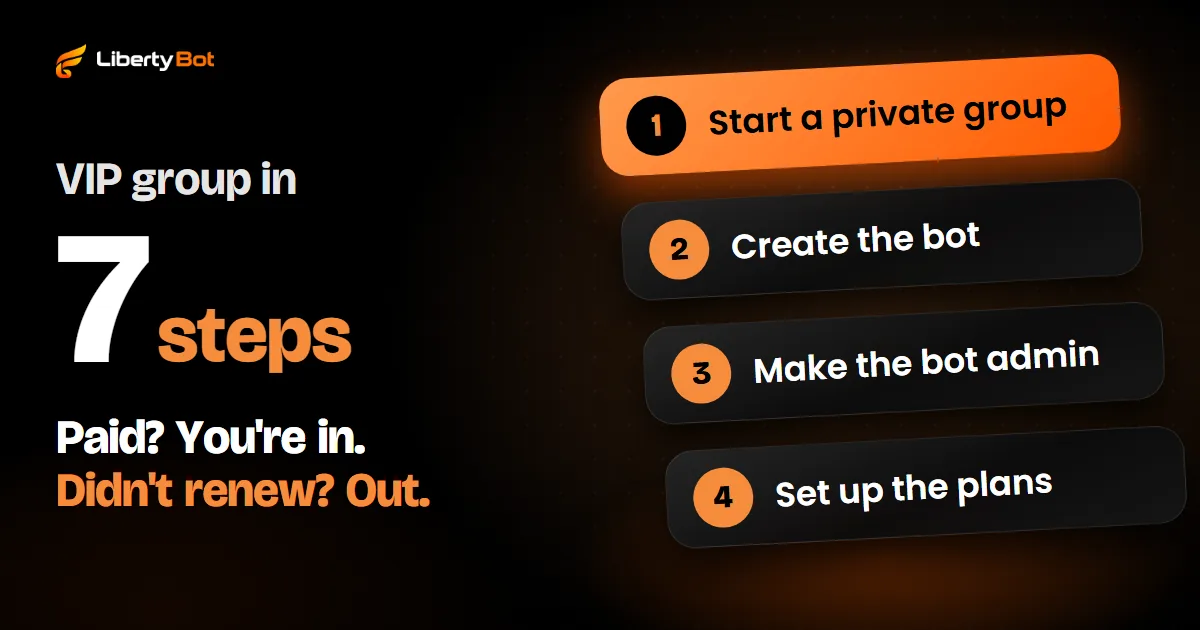
The path has four parts: creating the private channel, choosing how to charge (in Stars, through Telegram itself; in your currency, with a bot), making the bot an admin and tracking who expires. First, check whether your content fits a channel or a group better.
Group or channel: which to use for your VIP
The difference that matters is who talks. In a channel, only admins post and subscribers read. In a group, every member can write.
| What changes | Channel | Group |
|---|---|---|
| Who posts | Only admins | All members, if you let them |
| Comments | Only with a discussion group linked to the channel | The conversation is the group itself |
| Member limit | No subscriber limit | Up to 200,000 members |
| How posts appear | By default, with the channel's name and photo (you can show who posted) | With the name of whoever wrote it |
| Telegram Stars subscription | Yes (monthly subscription link) | No |
| Best for | Lessons, analysis, announcements and files that only you post | Group mentoring, Q&A and exchange between members |
Rule of thumb: if the value is in what you post, use a channel. If it's in the conversation between people, use a group. You can have both: a channel with a linked discussion group, where each post gets a comments button. If you pick a group, follow the Telegram VIP group guide.
How to create the private channel
Create the channel
Open Telegram and tap the new message icon: on Android, it's the round pencil on the chat list; on iPhone, the icon in the top right corner of the chat list. Then choose New Channel.
Add a name, photo and description
In the description, say what subscribers get and how often. It's what people see before they join.
Make the channel private
On the channel type screen, choose Private Channel. A public channel has a username and shows up in search. In a private one, only people you add or who get an invite link can join.
Skip adding people
Right after you create it, the app offers to add contacts. Skip it: in a paid channel, the people who get in are the ones who paid. The owner can only add the first 200 subscribers by hand; after that, joining is always by link.
Keep the primary link to yourself
Every private channel comes with a primary invite link. Don't publish it: anyone who has it gets in without paying. If it leaks, revoke it in the channel's invite options and Telegram generates another one.
Keep the paid channel out of Communities
Telegram lets you bring groups, channels and bots together in a Community. Members of a community can join its visible chats without an invite link. So keep the paid channel out of any community. What changes between a visible and a hidden chat is in watch out for Telegram Communities.
Telegram's own Stars subscription
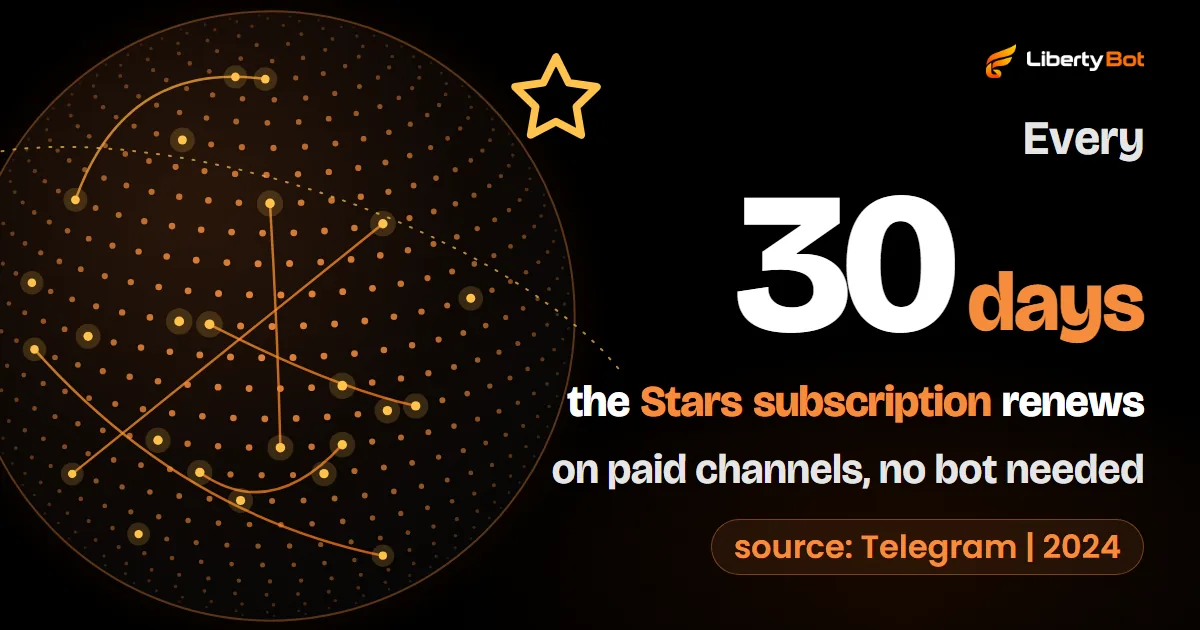
Since August 2024, a channel owner can create an invite link that charges a monthly fee in Telegram Stars, the app's virtual currency. The path is in the channel settings: channel type, manage invite links, create a new link and turn on the monthly charge.
- Period: currently always 30 days. Renewal is automatic and takes the Stars from the subscriber's balance.
- Price: from 1 to 10,000 Stars per period, according to Telegram's documentation for bots.
- Where the Stars go: to the channel's balance. They don't land in your bank account as money: to withdraw, the channel owner requests a withdrawal through Fragment, to a crypto (TON) wallet.
- Leaving and coming back: anyone who left without canceling the subscription can come back without paying again while the period is still running.
- Channels only: groups don't have a subscription link.
In Telegram Stars, LibertyBot only takes one-time payments: it doesn't do Stars subscriptions. Access lasts for the length of the plan and, before it expires, the bot reminds the person to renew. If you want a monthly fee in Stars only, Telegram's link already does the job, no bot needed. To charge in dollars, euros or another currency, you need the bot.
The bot as a channel admin
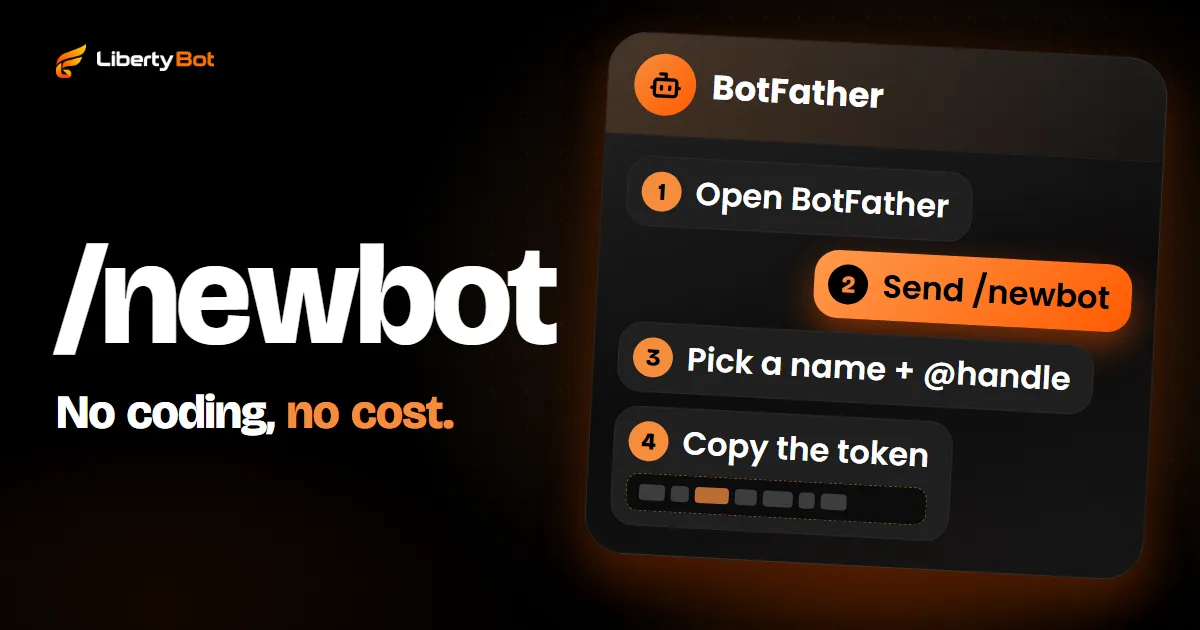
The bot can only create invites and remove people if it's an admin of the channel, with two permissions turned on: the one to invite people and Ban Users. Without the first, it can't create invite links; without the second, it can't remove people whose plan expired. The permission to post messages only matters if the bot will also post in the channel. The path on screen, with the name of each button on Android and iPhone, is in how to add the bot to a channel as an admin. The same guide shows how to create the bot in BotFather.
For developers
Invites come from createChatInviteLink, and the Stars subscription link from createChatSubscriptionInviteLink. The right to invite is can_invite_users. To remove someone, use banChatMember and then unbanChatMember: in a channel, the ban stops them from coming back by link until the unban, and the unban only allows them back, without putting them in the channel again.
Why the bot doesn't chat inside the channel
In a channel, only admins post; subscribers only read. That's why the bot doesn't sell in there. It only does two things in the channel: it lets people in, with the invite link, and removes those whose plan expired.
The sale happens in the bot's private chat. The person opens the bot's link (t.me/your_bot_name), taps Start, sees the plans, pays and gets the channel link right there. The bot doesn't start conversations either: Telegram only lets a bot talk to people who messaged it first. That's why the link you promote is the bot's, never the channel's.
How to charge for the channel in your currency
To charge by card or another payment method, someone has to do five things for every sale: show the plans, create the charge, check that it was paid, send the invite link and, at expiry, remind and remove anyone who didn't renew.
By hand, you can do it with the app's features. Telegram lets you create invite links with a name, an expiry date and a member limit, or with admin approval. You check the payment in your statement, create a link for each buyer and, at the end of the period, remove the person from the subscriber list. Anyone removed by an admin goes to the Removed users list and can't join again by link: if the person pays again, take them off that list before sending the new link.
Telegram's rules for payments
Telegram has its own rules for payments made inside bots, in the Terms for bot developers (opens in a new tab). Read them before you start selling and check them from time to time: they change.
What LibertyBot does on its own in the channel
LibertyBot is a Telegram sales bot that handles those five parts through your bot. In a paid channel, it works like this:
- In the plan, the VIP Group/Channel delivery lists the channels where a bot in the flow is an admin. With the bot already connected to LibertyBot, make it an admin of the channel and tap Refresh in the dashboard: the channel shows up in the list. If it doesn't, remove the bot as admin and add it again.
- The sale stays in the bot's private chat: it shows the plans and charges by card, local payment method, crypto or Telegram Stars.
- The gateway's notification is only the trigger: the bot checks the payment and matches the order's amount and currency before releasing access.
- One link per purchase, with an expiry date, sent in the private chat of the person who paid. The link can be passed on before its first use. At expiry, the bot removes the account that bought; whoever joined through the link in its place doesn't leave on their own. Check from time to time who joined through each link.
- On one-time payments, by default, the bot reminds the buyer 3, 2 and 1 day before and on the last day, with the RENEW NOW button. You choose the days (14, 7, 5, 3, 2, 1 and on the day), the text and the media.
- By default, at expiry the bot removes the person from the channel without leaving them banned and cancels their invite: they can come back with a new purchase. With Remove from the group turned off, the person stays, but their invite stops working. On a lifetime plan, access doesn't expire.
- Automatic renewal exists only on card, through a Stripe subscription. Local payment methods and crypto renew through the RENEW NOW button after the reminders.
LibertyBot has no monthly fee: on card, through Stripe, it takes 5% per sale, and the fee for the other methods is in LibertyBot's pricing section. The gateway's own fee is separate. Joining LibertyBot is by invitation: signing up puts you on a waiting list.
Frequently asked questions
Private Telegram channel: how does it work and how do I join?
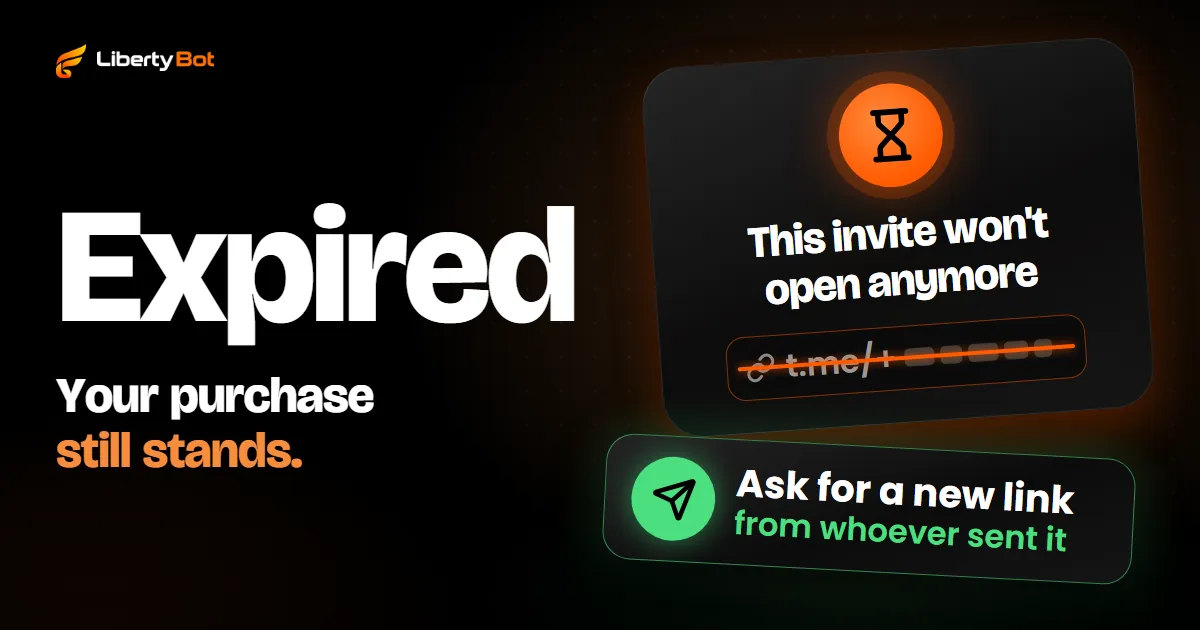
A private channel has no username and doesn't show up in search. The only people who get in are those the owner adds (up to the first 200 subscribers) or who get an invite link. In a paid channel, the link arrives in the bot's private chat after payment. If the link won't open, see what to do when a Telegram invite link has expired.
Can I charge a monthly fee for a Telegram channel?
Yes. In Stars, Telegram has the channel subscription link: currently 30 days per period and, according to the documentation for bots, from 1 to 10,000 Stars, with automatic renewal. In other currencies, a bot charges and tracks the expiry date. On LibertyBot, automatic renewal exists only on card, through a Stripe subscription; local payment methods and crypto renew through the RENEW NOW button after the reminders.
Group or channel: which should I choose for the VIP?
A channel, if the value is in what you post. A group, if it's in the conversation between members. A channel has no subscriber limit, and a group holds up to 200,000 members. Both together also work: a channel with a linked discussion group.
Does the bot need to be an admin of the channel?
Yes. Without the permission to invite people, the bot can't create invite links. Without the permission to ban users, it can't remove anyone whose plan expired.
Does it cost anything to create a Telegram channel?
No. Creating a channel, public or private, is free on Telegram. What's paid is the entry you charge for: in Stars, through the app's own subscription link; in other currencies, through a bot that sells and tracks the expiry date.
Sources (checked on )
- Telegram FAQ (groups, channels and invite links) (opens in a new tab)
- Telegram: channels FAQ (opens in a new tab)
- Telegram Bot API (invites, channel subscriptions, banning and unbanning) (opens in a new tab)
- Telegram: introduction to bots (opens in a new tab)
- Telegram API: admin rights (chatAdminRights) (opens in a new tab)
- Telegram API: Stars subscriptions (opens in a new tab)
- Telegram API: Stars balance and withdrawals for channels and bots (opens in a new tab)
- Telegram blog, August 14, 2024: Stars subscriptions for channels (opens in a new tab)
- Telegram: Terms for bot developers (opens in a new tab)
- Telegram app translations: English button names (opens in a new tab)