GuidePublished 12 min read
Telegram security: how to protect your account and avoid scams
Telegram security starts with your account: a two-step verification password, a recovery email and a look at your connected devices. The rest is knowing that Telegram never asks for a code or password, checking payments on the gateway and not on a screenshot, and reporting what breaks the rules.
 By LibertyBot TeamLibertyBot Blog
In short
- Telegram never asks for your login code or your two-step verification password.
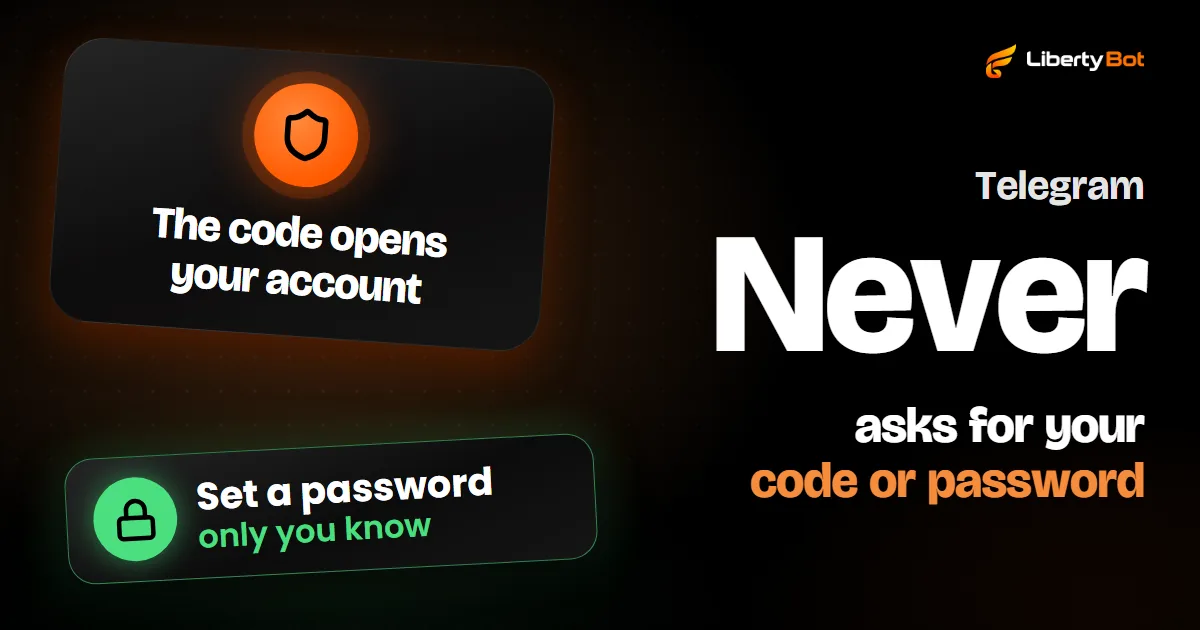
- With two-step verification on, the code alone doesn't open your account.
- In Settings > Devices you see where your account is open and end anything you don't recognize.
- Among chats, only secret chats have end-to-end encryption; regular chats are stored in Telegram's cloud.
- Check payments in your statement or on the gateway, never on a screenshot of a receipt.
What Telegram's safety page says
Telegram's safety page (opens in a new tab) shows how Telegram moderates what goes around in the app and how anyone can report it. Your account settings aren't there: they're in the FAQ (opens in a new tab) and come right after this part.
Telegram blocks tens of thousands of groups and channels daily and removes millions of pieces of content that violate its Terms of Service, including incitement to violence, sharing child abuse materials, and trading illegal goods.
- 30 milliongroups and channels blocked in 2026, by the page's counter, which was past that number on November 18
- 2015the year moderation started combining user reports with machine learning monitoring; AI tools were added in early 2024
The page also covers two fronts with their own rules: zero tolerance for child sexual abuse material, with public images checked since 2018 against a database of material already banned, and daily reports on the removal of terrorist content, published since 2016. At the end, it explains how to report, which is further down in this guide.
For sellers, the message is simple: a group or channel that breaks the Terms of Service (opens in a new tab) can be blocked, and reports from the people using the app are one of the bases of that moderation.
Two-step verification: the password that holds your account
To log in to Telegram on a new device, all it takes is the number and the code that arrives by SMS or in Telegram itself. As the FAQ puts it, whoever has the number has the account. With two-step verification (opens in a new tab) on, logging in also asks for a password only you know, and the code alone no longer opens the account.
Open two-step verification
In the app, go to Settings > Privacy and Security > Two-Step Verification.
Create the password
Tap Set Additional Password and choose a password you don't use anywhere else. The app offers an optional hint to help you remember: don't write the password in it.
Add the recovery email
The app asks for a Recovery Email and warns that it's the only way to recover a forgotten password. Then type the code sent to that email (check the spam folder too).
Protect that email too
The FAQ asks that the recovery email have a strong password and two-step verification, when possible. It's how you reset your Telegram password if you forget it.
Don't skip the email
Without a recovery email, anyone who forgets the password is left with bad options: with the account open on some device, wait 7 days for the reset; only on the login screen, delete the account. The app itself warns you about this when you try to skip that step.
Passkeys: log in without waiting for the SMS
In Privacy and Security > Passkeys, you create a key that logs in to the account with your device's PIN, fingerprint or face. A passkey doesn't shut the SMS door: with one set up, you can still request the code by SMS. That's why the FAQ says to keep an up-to-date number that you control on the account, and suggests adding the two-step verification password too.
For sellers: the account that owns the bot controls it
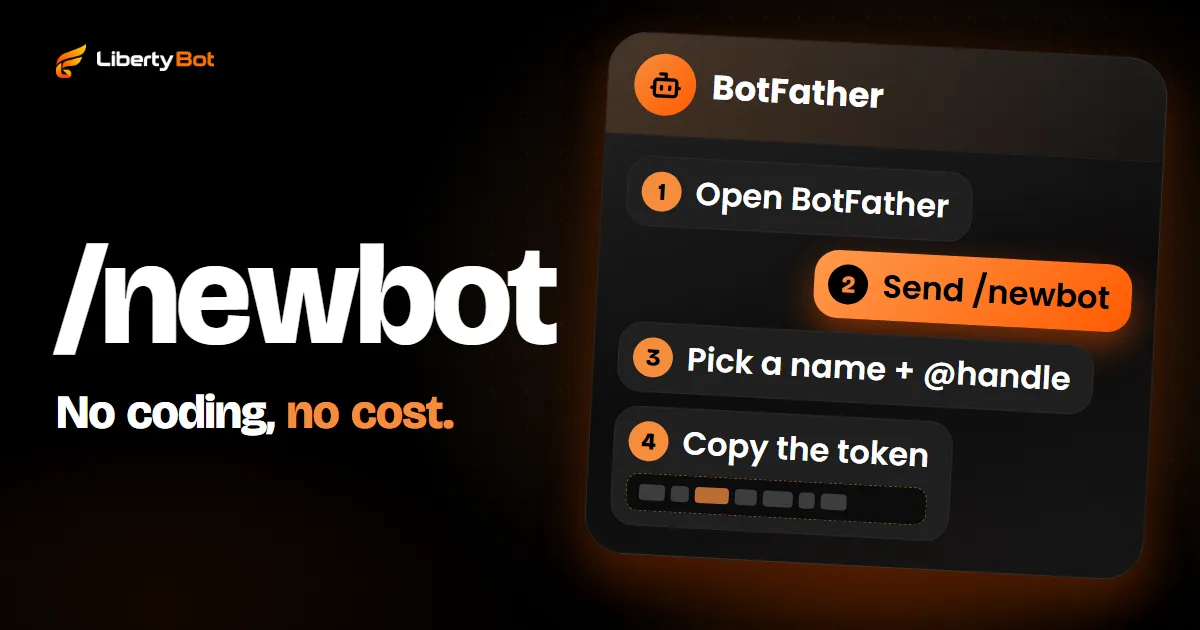
Through BotFather (opens in a new tab), the account that owns the bot generates a new token with /token and transfers the bot to someone else with /mybots. The same page warns that the token can be used by anyone to control the bot. Whoever gets into that account can do all of this, so turn on the password there first. If the token leaked, see how to change the token.
Devices: see where your account is open
Telegram stays open on as many devices as you want, all at the same time. That's why it's worth checking the list every now and then.
Open the list
Go to Settings > Devices (in some apps, Privacy and Security > Active Sessions). The screen shows This device, the one in your hand, and Active sessions, the others.
End what you don't recognize
Tap the session and end it (on Android, Terminate Session). To close them all at once, use Terminate All Other Sessions.
Turn on the password before ending sessions
If the strange session belongs to someone with your SIM or your phone, ending it isn't enough: they can log in again. For a stolen phone, the FAQ says to turn on two-step verification first and then end the old device's session. Without your password, whoever has it can't get back in.
If your phone was stolen and no other device has Telegram open, ask your carrier to block the SIM and issue a new one with the same number. With the new SIM, log in to Telegram, turn on two-step verification and end the old device's session. If the app won't let you end it right after logging in, that's a Telegram lock: a session less than 24 hours old can't end the others. Try again once that time has passed. The full steps are in the FAQ (opens in a new tab).
Shared device
If someone else uses the same phone or computer, turn on Passcode Lock in Privacy and Security: with it, the app is locked by a passcode only you know.
Login code: Telegram never asks for it
Anyone who asks for your code wants to get into your account, whether they claim to be support, a buyer or a friend. What the FAQ (opens in a new tab) guarantees:
- The login code arrives in the Telegram chat, a verified profile with a blue check. It shouldn't be passed on to anyone, not even another service or app.
- Telegram never asks for your two-step verification password or for any verification code.
- Telegram's service notifications arrive through the verified chats Telegram (number 42777) and @AbuseNotifications (number 4240005). A profile on another social network that claims to be Telegram support isn't, and Telegram never asks for a code.
- Support is inside the app, in Settings > Ask a Question, and it's run by volunteers.
- When another website or app sends a code through Telegram, it arrives in a separate chat, Verification Codes. If you got one you didn't request, your Telegram account is still safe: tap the code and choose Report.
Already gave away the code?
Open Telegram now, turn on two-step verification and, in Devices, end every session you don't recognize.
Secret chats and cloud chats: the difference
Every Telegram message travels encrypted, but in two ways:
| Item | Cloud chat | Secret chat |
|---|---|---|
| What it is | Your usual private chats and groups | A one-to-one conversation, started separately |
| Encryption | Between the app and the server; messages are stored encrypted in Telegram's cloud | End-to-end: only you and the other person can read it, not even Telegram |
| Where it opens | On all your devices, even if you lose one | Only on the device where it started; logging out deletes the secret chats on that device |
| Self-destruct timer | For media in private chats | For all messages |
To start a secret chat, open the person's profile, tap … and then Start Secret Chat. Telegram explains in the FAQ (opens in a new tab) why it doesn't make every chat secret: a cloud chat comes back in full on a new device, and a secret chat, tied to one device, doesn't.
Neither one stops someone from photographing the screen with another device, as the FAQ itself points out. Sensitive topics only with people you trust.
What a bot sees
According to the FAQ (opens in a new tab), a bot sees the person's public name, @, photo, app language, shared groups and the messages they send it. It doesn't see their phone number, last seen time or other chats, unless the person shares them. And Telegram asks you to treat every bot as a stranger: no passwords, Telegram codes or bank account numbers, even if it asks nicely.
Privacy: who sees your number and who can add you to groups
On Telegram, you can chat privately and in groups without showing your number. The settings are in Settings > Privacy and Security:
- Phone Number: under Who can see my phone number?, choose Everybody, My Contacts or Nobody. By default, only people in your address book see it. People who already have your number saved keep seeing it, whatever you choose.
- Groups & Channels: under Who can add me?, choose who can add you to groups and channels, with exceptions to always allow or never allow someone.
- Username: with an @, people find you through search and chat with you without seeing your number, unless your settings allow it.
- A stranger writing to you: when someone who isn't in your contacts writes to you for the first time, Telegram shows their country, when they joined Telegram and the groups you share. You can block and report them from the same screen.
For sellers: answer through your @, set your number to Nobody and don't save customers in your contacts. That way customers talk to you without seeing your number; only people who already had your number saved keep seeing it.
Common scams for sellers and buyers
| Scam | How it shows up | What to do |
|---|---|---|
| Fake support | Someone claims to be from Telegram and asks for a code, a password or an account “verification” | Don't reply. Telegram never asks for a code or password, and its service notifications arrive through the verified chats |
| Code sent “by mistake” | A buyer or a friend says they sent you a code by accident and asks for it back | Don't send it. It's the code that opens your account |
| Fake link | A login, “unlock” or paid group link that asks for your number and code | Log in to Telegram only through the official app or through Telegram Web opened from telegram.org/apps. The login code isn't given to any other website, service or app |
| Fake receipt | An edited screenshot of a payment, or of a transfer that was only scheduled, sent as proof of payment | Check in your statement or on the gateway's dashboard, by the order amount, never on the screenshot |
| Copied profile | Someone uses your name and photo to sell in your place | Tell your customers which @ is yours and contact @NoToScam |
| Paid group found online | A cheap VIP group link found on a website or social network | Buy only through the seller's own bot or @ |
Why a screenshot doesn't prove payment is explained in the VIP group guide.
How to report on Telegram
Every Telegram app has the report button. The steps, from the safety page:
Open the message menu
On Android, tap the message; on iPhone, hold it; on desktop or the Web, right-click it.
Tap Report
Choose Report and the reason. If needed, write a comment for the moderators.
- A search term that leads to illegal content in your country: report it through the @SearchReport bot.
- A public group, channel or bot with illegal content: besides the button, email abuse@telegram.org with the t.me link or the @ of the content.
- Your bot or channel banned for no clear reason: the FAQ says to write to the same abuse@telegram.org.
If your account was limited
When someone presses Report spam in a chat and the moderators agree, the account becomes limited: it can only message people who have your number saved as a contact and reply to people who wrote first. According to the Spam FAQ (opens in a new tab), the first time, with no mass sending, it usually lasts a few days; each repeat makes it longer, and anyone who keeps writing to strangers may lose that ability for good. If you're sure it was unfair, talk to @SpamBot.
For sellers, the same FAQ spells out the rule: people mind invite links, ads and, above all, anything related to commerce coming from strangers. Send invites and offers only to people who asked for them.
A frozen account is a different case: restricted because of reports, it can read its chats but can't send messages or post. You appeal from the app itself, and the moderators review it.
What LibertyBot does for sales security
LibertyBot is a Telegram sales bot: it shows your plans, takes the payment and delivers access. Three of its parts touch on this topic:
- Payment checked at the source. When the gateway notifies that an order was paid, the bot doesn't trust the notification: it checks with the gateway again, using your account's key (with Stripe, the notification already arrives signed). With Stars, Telegram itself confirms the payment. If the amount or the currency reported don't match the order's, nothing is delivered. The bot doesn't read receipts: only that confirmation releases delivery.
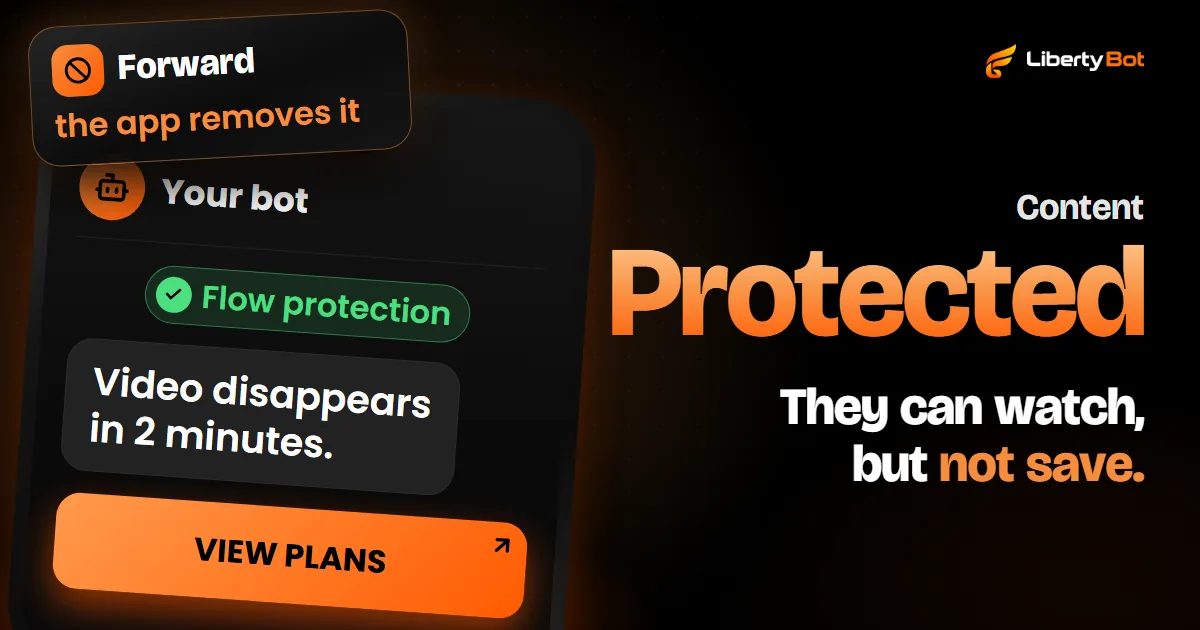
- Flow protection. A button in the flow locks most of the messages from that flow's bots (the exceptions are in how to protect your bot's content): in Telegram, those messages can't be saved, forwarded or copied. It doesn't stop someone from photographing the screen with another device.
- Changed token. If you generated a new token in BotFather, LibertyBot notices that the old one stopped working, and the bot's card in My Bots shows Update token: paste the new one there.
Want LibertyBot on your bots?
Joining the platform is by invitation: the button below puts you on the waiting list.
Free account. 5% per card sale, R$0.50 per crypto or Stars sale.
Frequently asked questions
Is Telegram secure?
Messages travel encrypted, and secret chats have end-to-end encryption. But the FAQ itself points out that Telegram doesn't protect your account from someone who picks up your unlocked phone. The rest is up to you: a two-step verification password, Passcode Lock on the app, your code kept to yourself and an eye on your connected devices.
Can someone get into my account with just my number?
With the number and the code sent to it, yes. With two-step verification on, they also need your password. That's why you never pass the code on to anyone.
Does Telegram delete inactive accounts?
Yes. According to the FAQ (opens in a new tab), an account that goes 18 months without logging in (the default period) is deleted along with its messages, media and contacts. You change the period in Privacy and Security, in the section about deleting your account automatically. It's worth checking on the account you use only to create bots.
Sources (checked on )
- Telegram Safety Overview (opens in a new tab)
- Telegram FAQ (opens in a new tab)
- Telegram FAQ: how 2-Step Verification works (opens in a new tab)
- Telegram FAQ: my phone was stolen (devices and sessions) (opens in a new tab)
- Telegram API: terminating sessions (24-hour lock) (opens in a new tab)
- Telegram FAQ: service notifications (Telegram never asks for a password or code) (opens in a new tab)
- Telegram FAQ: people claiming to be Telegram on other platforms (opens in a new tab)
- Telegram FAQ: secret chats and cloud chats (opens in a new tab)
- Telegram FAQ: calls with end-to-end encryption (opens in a new tab)
- Telegram FAQ: are bots safe? (opens in a new tab)
- Telegram Spam FAQ: limited accounts (opens in a new tab)
- Telegram API: end-to-end encryption and secret chats (opens in a new tab)
- Telegram: BotFather, token and bot transfer (opens in a new tab)
- Telegram: Stars payments (deliver only after successful_payment) (opens in a new tab)
- Telegram app strings in English: settings (Android) (opens in a new tab)
- Telegram app strings in English: settings (iOS) (opens in a new tab)
- Telegram Terms of Service (opens in a new tab)