GuidePublished 8 min read
How to create a Telegram account and download the right app
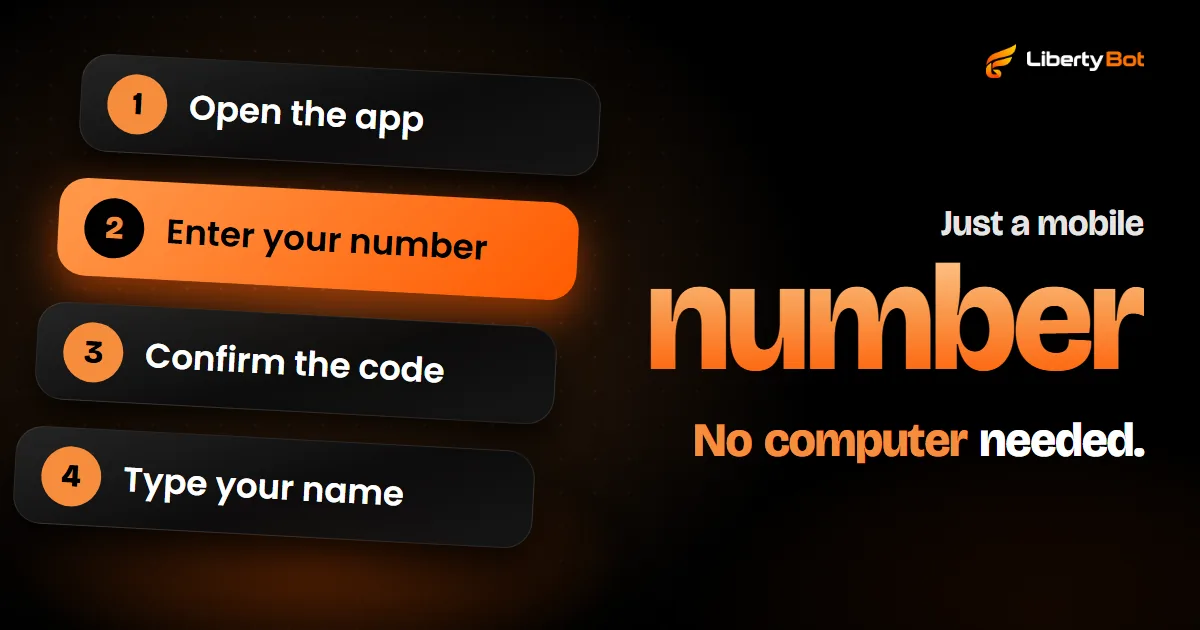
To create a Telegram account, download the app on your phone, enter your number with your country code, confirm the code that arrives on your phone, usually by SMS, and type your name. After that, your computer and browser log in by scanning a QR code with your phone.
 By LibertyBot TeamLibertyBot Blog
In short
- A Telegram account is created from a mobile number, and landlines aren't accepted. The confirmation code usually arrives by SMS.
- The official apps are at telegram.org/apps: Android, iPhone and iPad, Windows, Mac and Linux, and Telegram Web, which opens in the browser.
- On a computer, you log in by scanning the QR code on the screen with your phone, in Settings > Devices > Add Device.
- Before you start selling, turn on Two-Step Verification and choose who can see your number.
What you need to create a Telegram account
Just a mobile number. Telegram uses the number to identify the account: each number is one account, and whoever has the number has the account, unless it has Two-Step Verification. Landlines aren't accepted.
You don't need a computer to create the account: the code goes to the phone with that number, usually by SMS.
- 1 billion+active users, according to Telegram's FAQ
- 5 to 32characters in a username (@)
- 30 secondsis how long the QR code that connects the computer usually lasts
How to download Telegram: the official apps
The full list is at telegram.org/apps (opens in a new tab). The apps there are open source, and Telegram says anyone can check that the App Store and Google Play apps were built from the same code it publishes.
| Platform | Where to download | Note |
|---|---|---|
| Android | Google Play (opens in a new tab) or the APK at telegram.org/android (opens in a new tab) | According to Telegram, the APK from the website has fewer restrictions and updates directly from telegram.org |
| iPhone and iPad | App Store (opens in a new tab) | On the iPad, log in with your mobile number: the same account opens on every device |
| Windows, Mac and Linux | Telegram Desktop (opens in a new tab) | The same app on all three systems. On Windows there's a portable version; in the Mac App Store, it's called Telegram Lite |
| Mac | Telegram for macOS (opens in a new tab) | Made just for the Mac, with every feature of the iPhone app, secret chats included |
| Browser (Telegram Web) | web.telegram.org (opens in a new tab) | Nothing to install. There are two versions, A and K, and both log in with a QR code |
Which one should you pick? Start with your phone, which is where the account is created. On your computer, install Telegram Desktop for everyday use. Telegram Web is for something quick or for a computer that isn't yours.
How to create a Telegram account on your phone (Android and iPhone)
The steps are the same on both systems. Only a few button names change.
Open the app
Tap Start Messaging.
Enter your number
Check that the country and its code are right, then type your mobile number.
Confirm the code
Telegram sends the activation code, usually by SMS (sometimes by phone call or, if the app asks for an email address, by email). Type the code on the next screen.
Type your name
On the Your Name screen (on iPhone, Your Info), the first name is required and the last name is optional. You can add a photo now or later. By continuing, you accept Telegram's Terms of Service.
An account just for your business
Want to keep personal chats apart from sales? Create another account with a second number. The same app opens both, through the Add Account button.
Telegram for PC and Telegram Web: how to log in with a QR code
On a computer, the fastest way is to scan a QR code with the phone where your account is already open. Telegram Desktop shows the Scan From Mobile Telegram screen; Telegram Web shows Log in by QR Code (in version A, Log in to Telegram by QR Code).
Open Telegram on the computer
Install Telegram Desktop (opens in a new tab) or open Telegram Web (opens in a new tab) in your browser. In Desktop, click Start Messaging.
Open the scanner on your phone
In the phone app, go to Settings > Devices > Add Device. The computer screen shows the same path.
Point it at the screen
Scan the QR code on the computer. It lasts about 30 seconds and renews on its own: if it expires, scan the new one.
Prefer to use your number? Click Or log in using your phone number (on the Web, Log in by phone number). With the account open on your phone, the code may arrive there, in the Telegram chat.
Your chats live in the cloud
You can log in on as many devices as you want, at the same time, with the same number. Your chats are stored in Telegram's cloud and look the same on your phone, your computer and your browser. The exception is secret chats: they stay only on the device where they were started.
How to create your username (@) and add a photo
Your username is your @, like @anas_shop. With it, people find you in search and message you without knowing your number, and neither of you sees the other's number, unless your phone number privacy allows it. The @ is public and optional: if you don't want just anyone writing to you, don't create one.
- To create your @: in Settings, tap Username (on iPhone, Set Username; once it's created, it's under Edit).
- Rules: letters a to z, numbers and underscores (_), 5 to 32 characters, starting with a letter. Upper and lower case count the same. Each @ has only one owner: if yours is taken, choose another.
- Link: with an @, you get the address t.me/your_username, which opens a chat with you in the app.
- To delete your @: save the field empty. Existing chats continue.
- Photo: in Settings, tap Set Profile Photo.
Your bot's support @
On LibertyBot, every bot has the /suporte (support) command in its menu. In the Basic flow, it shows the buyer the @ you type in the @ Support field, in the Bots section; without that @, the bot replies that support isn't set up. The Advanced flow doesn't have that field. Use the @ of the account that will answer. The bot's @ is a different one and ends in “bot”: see how to create a Telegram bot.
Who sees your number on Telegram
By default, your number is shown only to people you saved as contacts. To change this, go to Settings > Privacy and Security > Phone Number:
- Who can see my phone number? Choose between Everybody, My Contacts and Nobody.
- Who can find me by my number? On Android, it shows up when you choose Nobody; on iPhone, it's always right below. With My Contacts, people who save your number in their address book only find your profile if they're also in your contacts.
Sellers talk to lots of people they don't know. Set Who can see my phone number? to Nobody, Who can find me by my number? to My Contacts, and answer through your @. People who already have your number saved in their address book keep seeing it.
First security tip: Two-Step Verification
Without it, anyone who gets the SMS sent to your number gets into your account. With it, the number alone isn't enough: logging in takes the code plus a password only you know. Turn it on in Settings > Privacy and Security > Two-Step Verification.
Also add a recovery email, in case you forget the password. Protect that email the same way: a strong password and two-step verification.
Telegram doesn't ask for your code
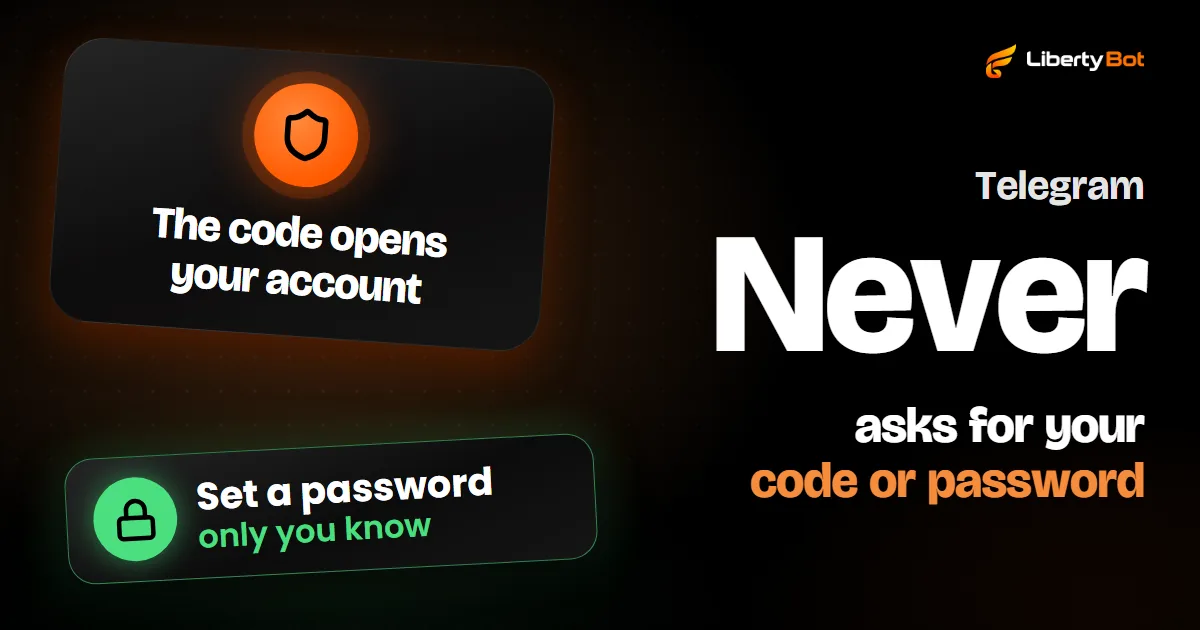
When it comes through the app, the code arrives in the Telegram chat, with the blue check. It's not for passing on to anyone, not even another app or website. Telegram never asks for your Two-Step Verification password or for any code.
More precautions in Telegram security.
Watch out for fake apps and fake links
- Download only from the official links: the ones at telegram.org/apps (opens in a new tab), which take you to the right store page. For an Android APK, only the one at telegram.org/android.
- Third-party apps aren't Telegram's. The apps page itself lists some separately as unofficial (Unofficial apps). For sensitive conversations, Telegram recommends an official app or, at least, a verifiable open-source one.
- A support profile on a social network isn't Telegram. The FAQ warns that the only help account outside the app is @smstelegram, on X, and only for login problems.
- Anyone who asks for your code or password wants your account. A message, a website or a “support agent”, it doesn't matter: Telegram's login code is only typed on Telegram's own pages: the app's login screen, web.telegram.org or my.telegram.org (where you delete the account).
- Check your connected devices. Settings > Devices lists every device where your account is open. End any session you don't recognize, and the one on a borrowed computer you logged in on.
Next step if you're going to sell
With your account ready, this is the path for selling access on Telegram:
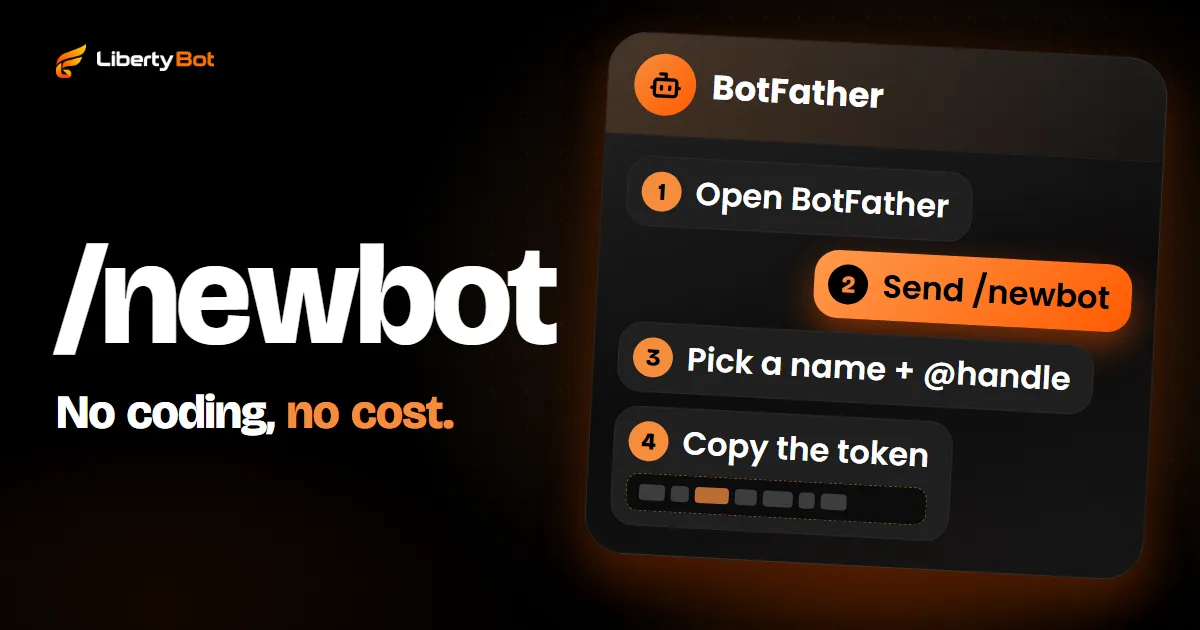
- Create the bot in BotFather and keep the token safe: how to create a Telegram bot.
- Create the private group or channel and make the bot an admin: how to create a VIP group on Telegram.
- Choose how to charge and deliver access: see how LibertyBot works.
Want to sell through your Telegram bot?
Joining the platform is by invitation: the button below puts you on the waiting list.
Free account. 5% per card sale, R$0.50 per crypto or Stars sale.
Frequently asked questions
Can I create a Telegram account without a mobile number?
Not with a landline. Since December 6, 2022, Telegram accepts accounts without a SIM card, using anonymous numbers from the Fragment (opens in a new tab) platform, which runs on blockchain; the login code shows up on Fragment itself. If you're just starting out, the way to go is a mobile number.
Can I create the account on a computer?
Telegram Desktop and Telegram Web have a sign-up screen: if the number doesn't have an account yet, they ask for your name after the code. But on a computer, the code may not arrive: Telegram warns that, in some cases, only the official mobile apps get the code by SMS or phone call. The right way is to create the account on your phone and log in on the computer with the QR code.
I changed my number. Do I lose the account?
No, as long as you change the number in the app while the account is still open on some device: in Settings, tap your number (on iPhone, Edit > Number) and then Change Number. The code goes to the new number. Contacts, messages and media stay. Without the old number and without any connected device, you may lose the account.
Is my Telegram account deleted if I don't use it?
Yes. If you go 18 months without logging in, the account is deleted along with its messages, media and contacts. That period is the default and can be changed in Settings > Privacy and Security > If away for.
Sources (checked on )
- Telegram: apps page (mobile, desktop and Web) (opens in a new tab)
- Telegram for Android (APK and Google Play) (opens in a new tab)
- Telegram Desktop for Windows, macOS and Linux (opens in a new tab)
- Telegram for macOS (opens in a new tab)
- Telegram FAQ: what Telegram is (over 1 billion active users) (opens in a new tab)
- Telegram FAQ: which devices you can use, several at the same time (opens in a new tab)
- Telegram FAQ: login, SMS and the number in international format (opens in a new tab)
- Telegram FAQ: mobile numbers only, no landlines (opens in a new tab)
- Telegram FAQ: login code sent via Telegram (opens in a new tab)
- Telegram FAQ: usernames and t.me links (opens in a new tab)
- Telegram FAQ: who can see my phone number (opens in a new tab)
- Telegram FAQ: new phone number and several accounts in the same app (opens in a new tab)
- Telegram FAQ: how to change your phone number (opens in a new tab)
- Telegram FAQ: self-destruction of inactive accounts (opens in a new tab)
- Telegram FAQ: Two-Step Verification (opens in a new tab)
- Telegram FAQ: stolen phone and sessions in Devices (opens in a new tab)
- Telegram FAQ: secret chats stay on the device (opens in a new tab)
- Telegram FAQ: official or verifiable open-source apps (opens in a new tab)
- Telegram FAQ: the two apps in the Mac App Store (Telegram Lite) (opens in a new tab)
- Telegram FAQ: service notifications (Telegram never asks for a code or password) (opens in a new tab)
- Telegram FAQ: login help on X and other networks (opens in a new tab)
- Telegram API: QR code login (opens in a new tab)
- Telegram API: how the login code is sent (opens in a new tab)
- Fragment: collectible numbers get the code on Fragment (opens in a new tab)
- Telegram: rules for a bot's @ (5 to 32 characters, ends in bot) (opens in a new tab)
- Telegram Privacy Policy: automatic account deletion (opens in a new tab)
- Telegram blog: sign up without a SIM card using Fragment numbers (Dec 6, 2022) (opens in a new tab)
- Telegram blog: new privacy settings for your phone number (Sep 5, 2019) (opens in a new tab)
- Telegram app strings in English: login screen (Android) (opens in a new tab)
- Telegram app strings in English: settings (Android) (opens in a new tab)
- Telegram app strings in English: login screen (iPhone) (opens in a new tab)
- Telegram app strings in English: Telegram Desktop login (opens in a new tab)
- Telegram app strings in English: Telegram Web login (opens in a new tab)