

Skip to content

LibertyBot Blog

LibertyBot features

How each part of LibertyBot works, one feature per article, with what it does and where its limits are.

3 articlesUpdated on

Feature7 min read

How to give automatic access to a Telegram VIP group after payment

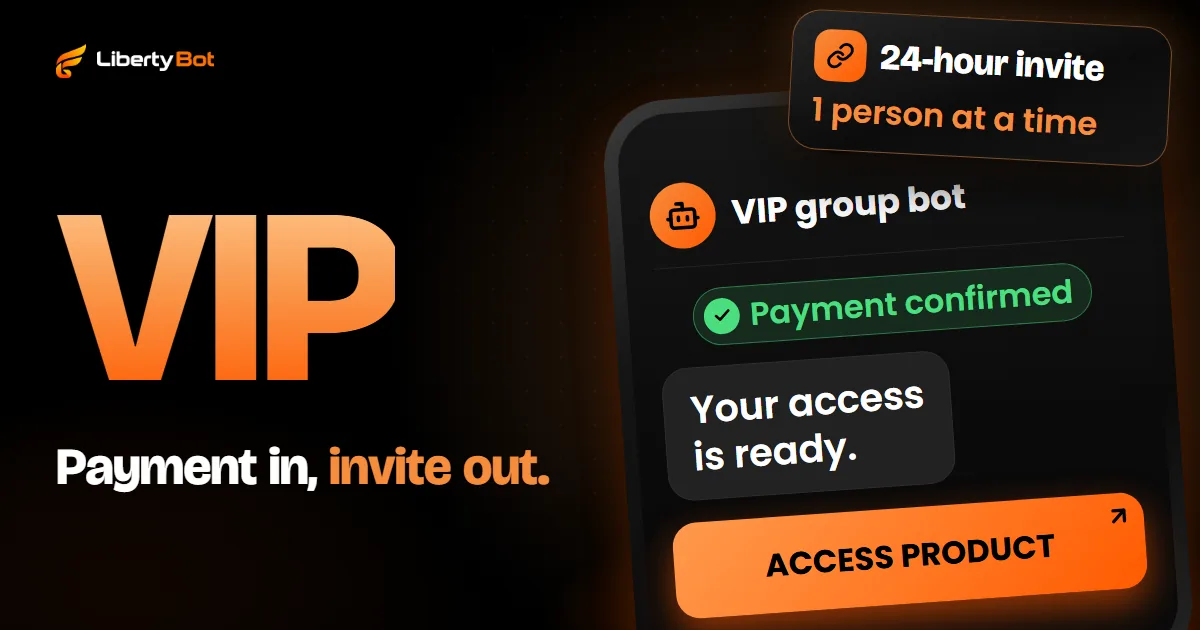
To give access to a Telegram VIP group on its own after payment, a bot that is an admin of the group creates an invite link for each purchase and sends it in the chat as soon as the payment is confirmed. On LibertyBot, this is the plan's VIP Group/Channel delivery: the link is valid for 24 hours and admits one person at a time, and at expiry the bot removes anyone who didn't renew.
Most recent

  • Feature7 min read

    How to do remarketing on Telegram

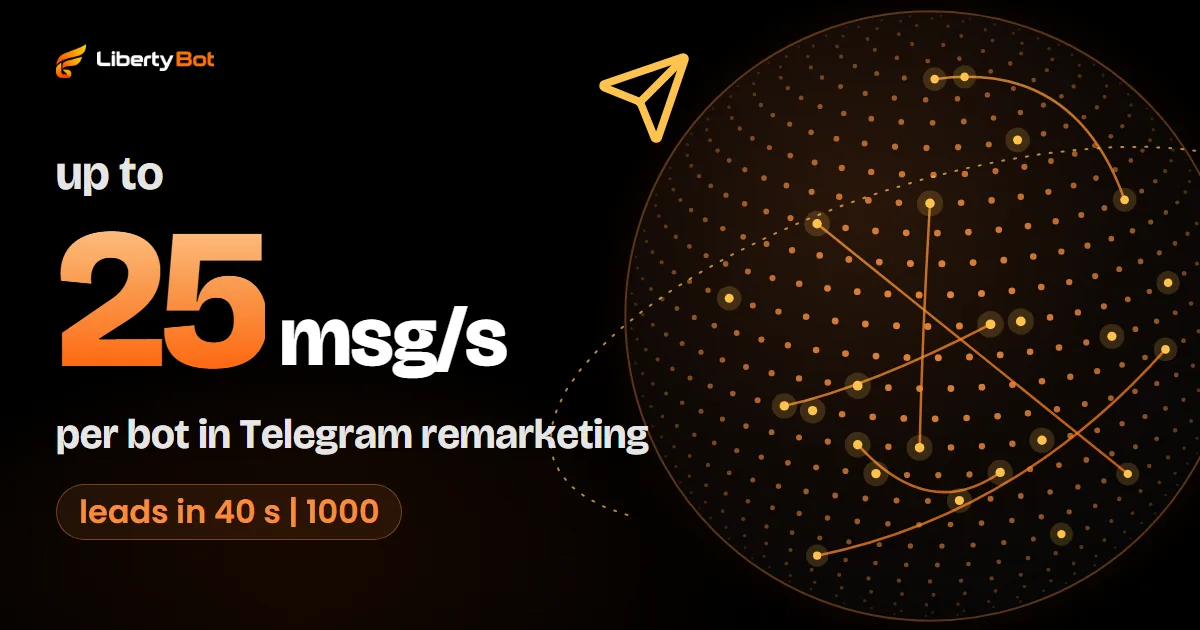
    Remarketing on Telegram means talking again, through the bot, to people who already chatted with it: people who didn't buy, people who created a payment and stopped, people who already bought and might buy more. On LibertyBot, it lives in the Remarketing menu, with audience, message, offer and sending right away or on a schedule.

  • Feature5 min read

    How to protect your Telegram bot's content from copying

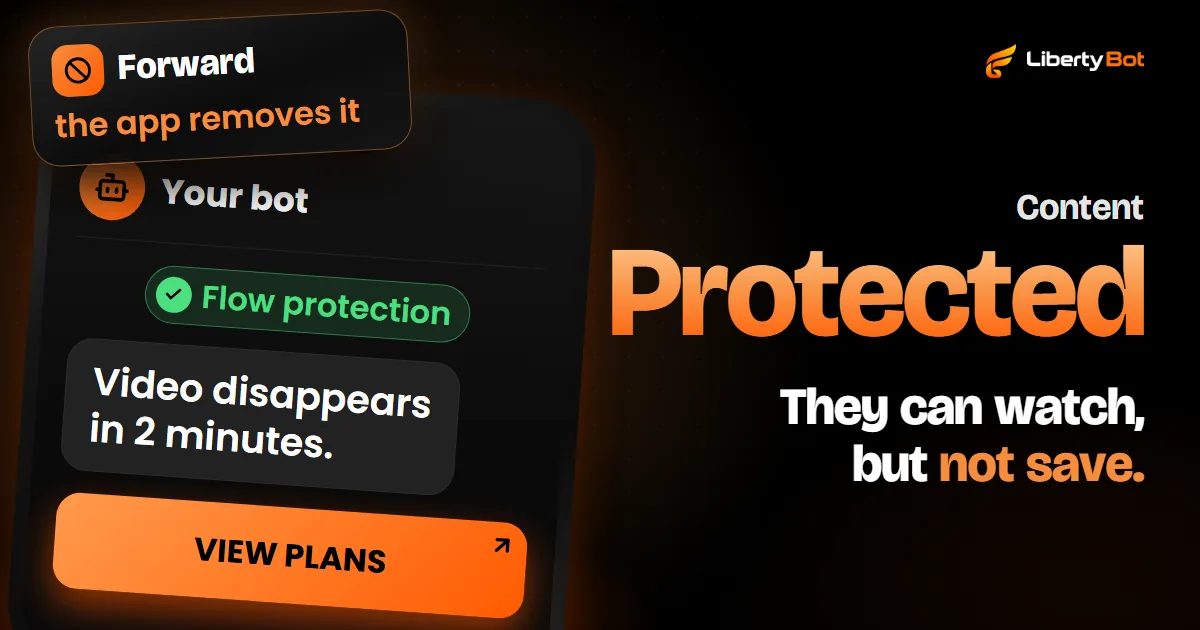
    Telegram lets a bot send protected messages that can't be forwarded or saved. On LibertyBot, the Flow protection button turns that on for every bot in the flow, and Temporary media removes the video from the chat after the time you choose. Neither one stops someone from photographing the screen with another device.

Sell on Telegram without doing it all by hand

The bot shows your plans, takes the payment, confirms it with the gateway and sends the group invite.

Create free account

Free account. 5% per card sale, R$0.50 per crypto or Stars sale.