GuidePublished 13 min read
How to create a paid VIP group on Telegram
The full path to running a paid VIP group on Telegram: from the private group to the invite for people who paid and the exit for people whose plan expired.
 By LibertyBot TeamLibertyBot Blog
The full path in 7 steps
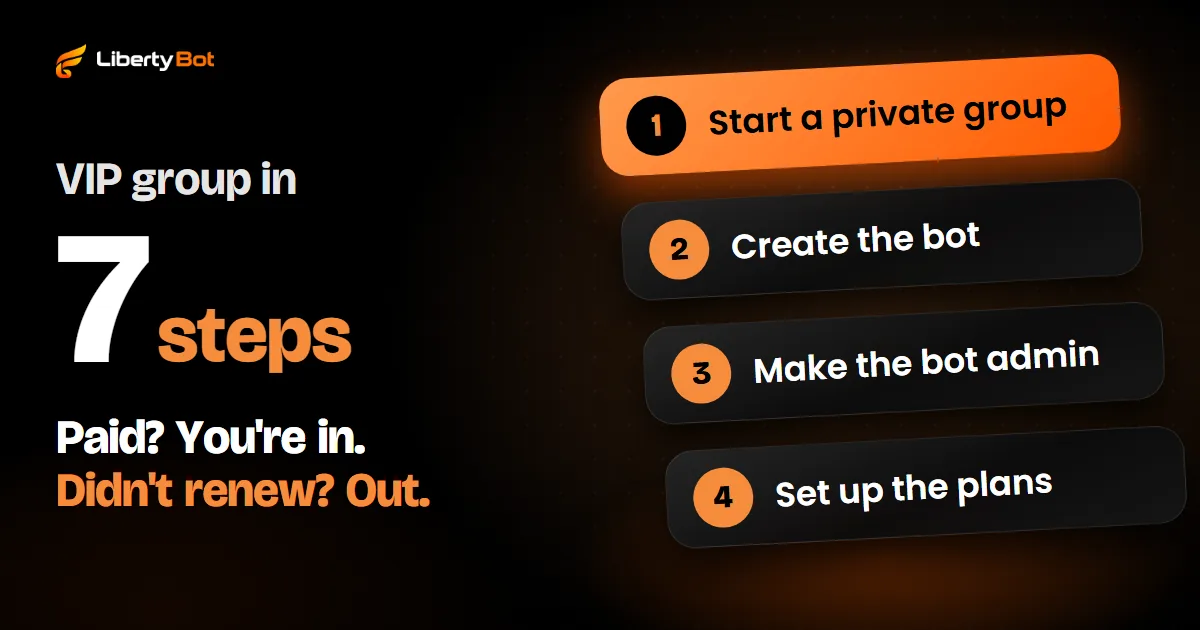
To create a VIP group on Telegram, create a private group, set up your plans and let people in only after you check the payment in your account statement or on the gateway. Each purchase gets its own invite link with an expiry date, and anyone who doesn't renew leaves the group when their plan runs out. With a few members, you can do it all by hand in the app; with volume, a bot that is an admin of the group, with permission to invite via link and to ban, handles each step on its own.
- Create the group, make it private and keep it out of any Community.
- If you'll use a bot, create it in @BotFather and keep the token safe.
- Make that bot an admin, with the permissions to invite users via link and to ban users.
- Set up the plans: the length and the price of each one.
- Charge and check the payment in your statement or on the gateway, never by the receipt.
- Send one link per purchase, with an expiry date.
- Remind people before their plan expires and remove anyone who didn't renew.
What a VIP group on Telegram is
It's a private group with paid entry. A person buys a plan, such as weekly, monthly or lifetime, gets the invite and stays in the group for the length of the plan. That's where the seller posts lessons, analysis, announcements or whatever content the sale promised.
Telegram has no VIP group button. What sets a VIP group apart from a regular group is control: who gets in, how long they stay and who leaves when their time is up. That control is what the rest of this guide sets up.
Group or channel?
A group is a conversation: members can post, if you let them. A channel is a broadcast: only admins post. To sell access, both work the same way, with invites, expiry dates and removal. Only a channel has the subscription link in Stars, Telegram's own currency, where Telegram itself charges and controls entry; in a group, charging is up to you or a bot. The side-by-side comparison, with the size of each and the Stars subscription, is in group or channel: which to use for your VIP.
How to create the VIP group on Telegram, step by step
Create the group
On Android, tap the pencil in the bottom corner; on iPhone, the new message icon in the top corner; on a computer, the three-line menu. Choose New Group and give it a name and a photo. Don't add buyers by hand: they join later, each through their own invite. If the app asks for a member, add another account of yours. If you already have a free group, create a new one for the VIP: everyone already in the old one would stay there without paying.
Make the group private
In the group info, tap the pencil (on iPhone, Edit) and open Group Type: it has to be Private Group, with no public address. A public group gets a short link, and anyone can see the whole history and join. On the same screen, Restrict saving content makes it harder to forward and save what you post, but it doesn't stop someone from photographing the screen with another device. Under Chat history for new members, choose whether people who join can see what was already posted.
Create the bot
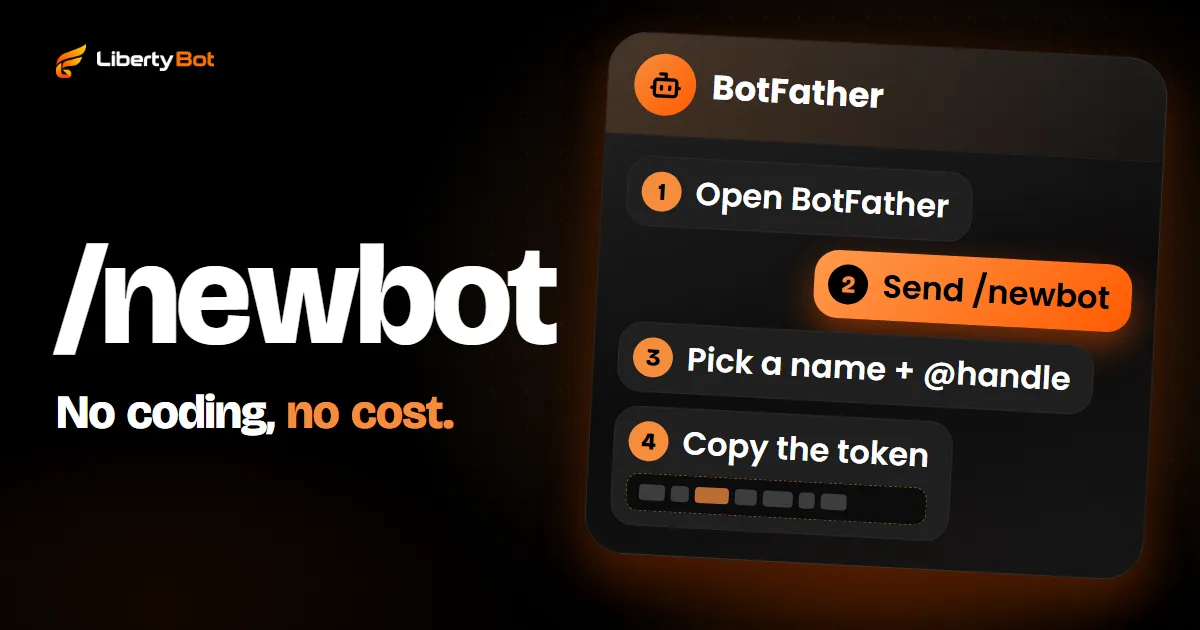
If you'll use a bot, open @BotFather, send /newbot and choose the bot's name and username, which has to end in bot. It replies with the token, the bot's password: don't show it to anyone except the tool that will run the bot, because anything done with it counts as done by you. Every screen of this step is in how to create a Telegram bot. If you'll do everything by hand, skip this step and the next one.
Make the bot an admin
In the group info, open Administrators: on Android, through the pencil in the top corner; on iPhone, through the group settings. Tap to add an admin, search for the bot by its username (the one ending in bot) and turn on two permissions: Invite Users via Link and Ban Users. Without the first, the bot can't create invites; without the second, it can't remove anyone from the group. Every screen is in how to add the bot to a group as an admin.
Test with an account that hasn't paid
Before you sell, use a second account (or ask someone you trust) to try to find the group and join without an invite. If it works, the group is still open and needs fixing.
Basic group and supergroup
A newly created group may start on the old model (basic group), which holds up to 200 members and has fewer features. You don't need to convert anything: the app turns the group into a supergroup on its own when an admin uses a feature only supergroups have. A supergroup is where you can remove someone without blocking their return, which is what removal at expiry needs.
Watch out for Telegram Communities
Since July 2026, Telegram lets you bring groups, channels and bots together in a Community. Members of a community see its chats and join them without an invite link. Each chat in the community can be visible to all members or hidden, and a hidden one only shows up for the community's admins and for people who are already in that chat.
Keep the VIP group out of communities
If the VIP group is in a community as a visible chat, any member of that community gets in without paying and without an invite. The safest option is to keep the VIP group out of any community. If it has to stay, mark it as hidden and test with an account that hasn't paid.
Plans and prices
Before you open sales, write down the plans: the length of each (3 days, 1 month, 3 months, lifetime), the price and what the person gets. Make it clear what happens at expiry: anyone who doesn't renew leaves the group. The lifetime plan never expires, so it stays out of the removal routine.
Also decide how renewal works. With a one-time payment, such as a bank transfer, a local payment method or crypto, each period is a new purchase: you remind the buyer before expiry and they pay again. For renewal to happen without the buyer doing anything, you need recurring billing, such as a card subscription.
Payment: check it on the gateway, not on the receipt
In the manual setup, the seller shares the payment details and waits for a receipt. A receipt is an image, and images can be edited: a fake receipt, or one for a transfer that was only scheduled, passes for paid at a quick glance. Only what shows up in your account statement or on the gateway's dashboard counts.
With a payment gateway, each order gets its own charge, with an amount and a deadline, and the gateway notifies you when it's paid. The care that remains is not releasing access just because a notification arrived: the right way is to check with the gateway and confirm that the amount paid is the order's amount.
Telegram's rules for payments
Telegram has its own rules for payments made inside bots, in the Terms for bot developers (opens in a new tab). Read them before you start selling and check them from time to time: they change.
Invite: one link per purchase, with an expiry date
Don't send the group's permanent link. It never expires: whoever gets it passes it on, and the group fills up with people who didn't pay. For each purchase, create a new link: in the group info, tap the pencil (on iPhone, Edit), open Invite Links and tap Create a New Link. Choose the expiry, limit the link to 1 person and name it after the buyer. Later, when you open the link in that list, the app shows who joined through it: if someone else joined, you'll see it.
The link has two weak spots. It can be passed on before its first use, and whoever taps it first takes the spot; that's why a short expiry matters. And revoking a link stops new joins right away, but it doesn't remove anyone who already joined: for that, you have to remove the person.
There's also the link with approval: each person who taps it becomes a join request, and an admin approves or declines it. It gives you more control, but someone has to look at every request.
If the buyer takes too long and the link expires, Telegram says the invite has expired. What to do in that case, on both sides, is in Telegram invite link expired.
For developers
In the Bot API, the per-purchase invite comes from createChatInviteLink with expire_date and member_limit (how many people can be in the group at the same time through that link). Removal without a ban is banChatMember followed by unbanChatMember.
Expiry: remind, renew and remove
In the manual setup, control is a spreadsheet with each member's name, Telegram username, plan and expiry date. Every day you check who expires, send a reminder a few days before and, on the day, remove anyone who didn't renew.
To remove someone, open the group, tap the member and choose Remove from group. In a supergroup, removing already works as a ban: the person's name goes to the Removed users list, and they can't come back through a link. If they may buy again later, take their name off that list right away. The step by step, on phone and computer, is in how to remove someone from a Telegram group.
Where the manual setup breaks
| Step | What tends to go wrong | What prevents it |
|---|---|---|
| Payment | An edited receipt lets in someone who didn't pay | Checking the statement or the gateway, against the order amount |
| Invite | A permanent link gets passed on: people who didn't pay get in | One link per purchase, with an expiry date |
| Off-hours sales | The buyer pays in the middle of the night and waits for you to wake up | Invite sent as soon as the payment is confirmed |
| Expiry | Expired members stay in the group because nobody remembered | Removal on the date, without relying on memory |
| Renewal | A forgotten reminder: the person is removed without knowing their plan expired | Scheduled reminders before expiry, with a renew button |
With 20 members, the spreadsheet holds up. With 200 on a monthly plan, that's about 7 expiries a day, every day, plus new sales, and every slip becomes free access. That's the point where a bot starts to pay off.
Bot for a VIP group: what LibertyBot does on its own
LibertyBot is a Telegram sales bot that runs the steps above on your own bot. You create the group and the bot, connect the bot to the dashboard with the token, make the bot an admin of the group and, in the plan, choose the group under How to deliver > VIP Group/Channel. The rest happens like this:
- Plans and payment. The bot shows the plans in the chat and creates the charge: card via Stripe, a local payment method via Dotfy or XPag where your account has one, crypto or Telegram Stars.
- Payment checked. The gateway's notification is only the trigger: with local payment methods and crypto, the bot checks the payment on the gateway's API; on card, it verifies Stripe's signature. In both cases, it matches the order's amount and currency before releasing access. If a notification gets lost, a periodic check finds the payment.
- One link per purchase, with an expiry date. Once the order is paid, the bot that is the group admin creates the invite for that purchase, and the buyer gets it in the chat. If the person leaves the group within their plan, or the link expires before they join, you resend the invite from the dashboard, under Customers > Access Control; anyone still in the group doesn't get another one.
- Reminders and renewal. On one-time payments, by default, the bot reminds the buyer 3, 2 and 1 day before and on the last day, with the RENEW NOW button. You choose the days (14, 7, 5, 3, 2, 1 and on the day), the text and the media. Anyone who renews has the new period added to the time they have left.
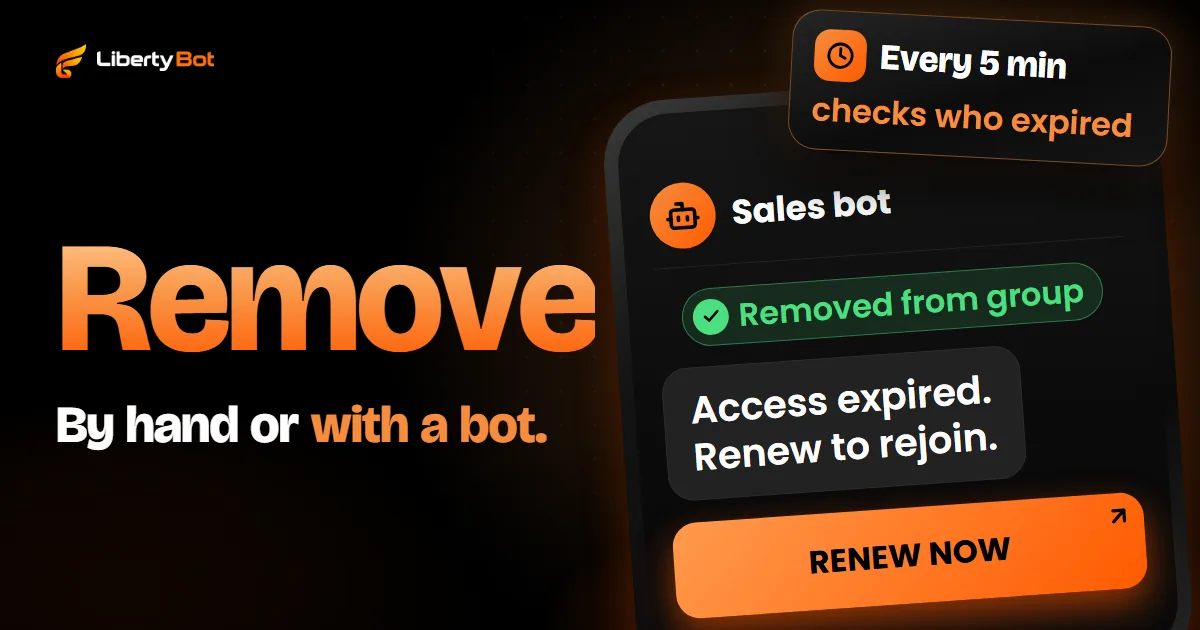
- Removal at expiry. By default, at expiry the bot removes the person from the group without leaving them banned and cancels their invite: they can come back with a new purchase. With Remove from the group turned off, the person stays, but their invite stops working. The details are in automatically removing people who didn't renew.
- Shared link. The link can be passed on before its first use. At expiry, the bot removes the account that bought; whoever joined through the link in its place doesn't leave on their own. Check from time to time who joined through each link.
- Refunds and chargebacks. When the gateway reports a refund or a chargeback, access from that purchase is revoked too. In Telegram Stars, not yet.
Automatic renewal exists only on card, through a Stripe subscription. Local payment methods and crypto renew through the RENEW NOW button after the reminders. In Telegram Stars, LibertyBot only takes one-time payments: it doesn't do Stars subscriptions.
The money from each sale goes straight to your account with the payment provider (the local payment gateway, Stripe or your crypto wallet) or to the bot's Telegram Stars balance. LibertyBot has no monthly fee: on card, through Stripe, it takes 5% per sale, and the fee for the other methods is in LibertyBot pricing. The gateway's own fee is separate.
Want LibertyBot in your VIP group?
Joining the platform is by invitation: the button below puts you on the waiting list.
Free account. 5% per card sale, R$0.50 per crypto or Stars sale.
Frequently asked questions
What is a VIP group on Telegram?
It's a private group with paid entry: a person buys a plan, gets an invite and stays for the length of the plan. The seller controls who gets in and who leaves, by hand or with a bot.
How does a VIP group on Telegram work?
The buyer picks a plan, pays and gets an invite link with an expiry date. Before the plan expires, they get reminders to renew; if they don't renew, they leave the group at expiry.
Are VIP groups on Telegram against the rules?
Telegram and LibertyBot have rules about what can be sold and how. Telegram's Terms of Service (opens in a new tab) prohibit, for example, spam, scams and the sale of illegal items, and the Terms for bot developers (opens in a new tab) have their own rules for payments. On LibertyBot, the list of what isn't allowed is in Prohibited uses. Read all three before you sell.
How much does it cost to create a VIP group on Telegram?
Creating the group and the bot on Telegram costs nothing. To charge, you pay your gateway's fee. LibertyBot has no monthly fee: 5% per card sale through Stripe; the fee for the other methods is in LibertyBot pricing.
How do I join a VIP group on Telegram?
Through the invite link the buyer gets after paying. They tap the link, Telegram opens the group and they join. If the link expires first, they ask the seller for a new one; on LibertyBot, the seller resends the invite from the dashboard, under Customers > Access Control. More in Telegram invite link expired.
Do I need a bot to run a VIP group?
It's not required. With a few members, you create one link per purchase in the app yourself, check the payment in your statement and remove whoever expired. A bot starts to pay off when there are expiries and new sales every day, as in a group of 200 members on a monthly plan.
Sources (checked on )
- Telegram Bot API: invites, Stars subscriptions, banning and unbanning members (opens in a new tab)
- Telegram FAQ: groups, invite links and Communities (opens in a new tab)
- Telegram blog: Communities (July 14, 2026) (opens in a new tab)
- Telegram blog: additional invite links and who joined through each one (February 23, 2021) (opens in a new tab)
- Telegram blog: restricting saving content (December 7, 2021) (opens in a new tab)
- Telegram: channels, supergroups and basic groups (opens in a new tab)
- Telegram: admin rights and removing members (opens in a new tab)
- Telegram: expired invite link error (opens in a new tab)
- Telegram: bot features and BotFather (opens in a new tab)
- Telegram app text in English: Invite Users via Link (opens in a new tab)
- Telegram app text in English: Ban Users (opens in a new tab)
- Telegram app text in English: removed users list notice (opens in a new tab)
- Telegram Terms for bot developers (opens in a new tab)
- Telegram Terms of Service (opens in a new tab)