NewsPublished 7 min read
Telegram lets bots send HTML widgets inside messages
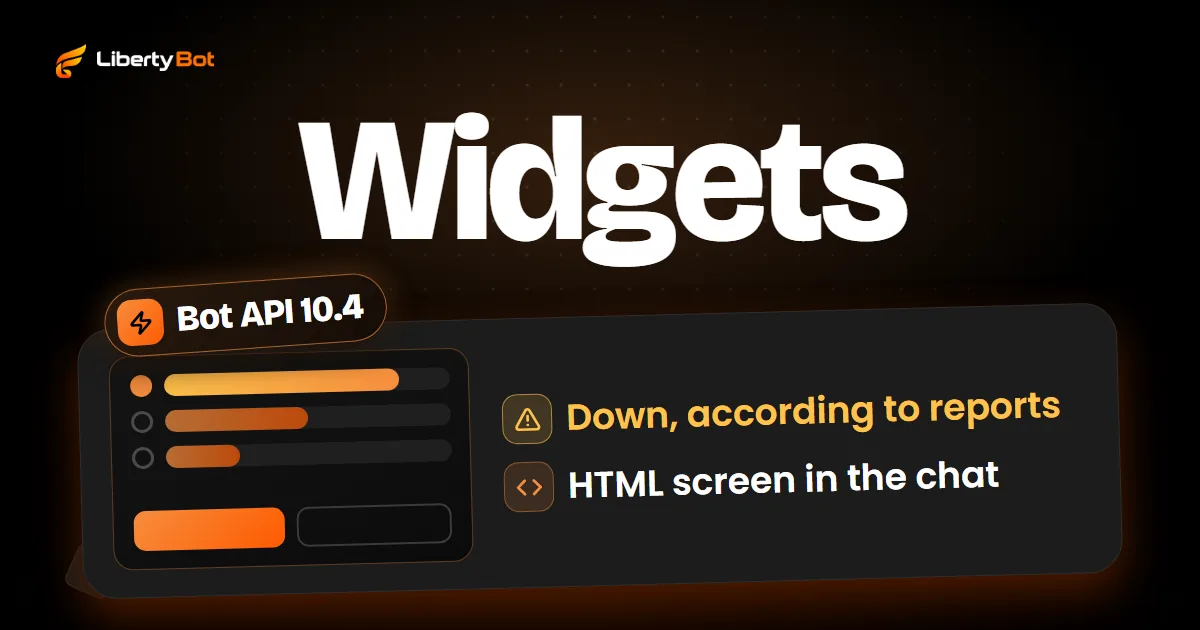
On November 9, 2026, Telegram released Bot API 10.4: bots can now send widgets, small interactive HTML screens drawn inside the message itself. For now, only in the private chat with the bot. Days later, according to reports, widgets stopped working for everyone, and as of November 18 Telegram has not said when they will be back.
 By LibertyBot TeamLibertyBot Blog
November 18 update: widgets are down
A few days after launch, widgets stopped working for everyone, according to the news channel tginfo (opens in a new tab), which covers Telegram and blamed the outage on security flaws. Telegram has not explained why. Pavel Durov replied on his channel (opens in a new tab) that the reported flaw doesn't exist as described, that you first had to open a third-party service, and that this has already been fixed on the server side. As of November 18, no official source has said the widgets are back. Before planning anything around them, test them in your own chat with the bot.
What changed in Bot API 10.4
On November 9, 2026, Telegram published Bot API 10.4. The headline feature is the widget: an interactive block, built in HTML, that the bot draws inside the message itself. The next day, November 10, Pavel Durov, Telegram's founder, summed it up on his channel: "Any Telegram message can now become an app."
In practice, a widget is a small screen that sits in the message bubble, in the middle of the chat. The person taps it and sees the screen change without leaving the chat. Telegram's examples include a poll with bars that move with each vote, a price quote that keeps updating, a board game and a promo code that copies with one tap.
Three points explain how it works:
- The layout is fixed. The bot sends the widget's code once, and nobody changes it afterward. To change the layout, the bot sends a new widget.
- The data changes. What shows inside it, such as a score, a price or the selected option, the bot updates in the same message.
- A tap can talk to the bot. If the bot enables requests when it sends the widget, the widget sends a short request to the bot, like a regular button does, and the bot replies. The bot knows who tapped. A tap can also change only the screen, with no request at all, such as opening an answer or copying a code.
The widget runs on the person's device, isolated and without internet access: everything it shows comes inside the message or from the bot. It also isn't a Mini App. A Mini App is a page opened in a window; a widget is part of the message and stays in view as the chat scrolls.
There's also the shared widget: the bot sends the same widget to several chats and, when it changes the widget's data, the change shows up in all of them at once. It works for a scoreboard, a poll or a price that's the same for everyone.
Where widgets work today
Telegram says it's rolling out widgets in stages. In the Telegram everyone uses, 10.4 arrives with three restrictions:
- Only in the private chat with the bot. Widgets in groups, in inline mode and when forwarding work for now only on Telegram's test server, which is where developers run their tests. In channels, bots don't post widgets.
- Protected content. Every widget sent is automatically protected: people can't forward the message.
- No copying. Not even the bot itself can copy the widget message to another chat: the Bot API rejects it.
Always add a caption
People on a Telegram app without widget support see the message as unsupported media, with only the caption. That's why Telegram asks for a caption on every widget: it's what shows in the chat list, in notifications and in search.
What changes for people who sell on Telegram
Until now, a bot talked with text, media and buttons under the message. The widget opens another path: a screen that responds to taps inside the chat. Based on Telegram's own examples, uses like these come to mind, all of them depending on someone building the widget:
- FAQ that opens on tap. Telegram's own guide uses a list of questions with expanding answers as an example.
- A coupon that copies with one tap. The app shows a notice with the copied text, so the person sees what they got.
- Order summary. A card with what the person chose and the total, which the bot updates in the same message.
- Audience poll. A shared widget sent to several buyers, with a single result for everyone.
Since the widget only goes to the private chat and can't be forwarded, it doesn't spread on its own: whoever gets it is already talking to the bot. A widget can also have regular buttons under it, like any bot message.
The TON wallet in Bot API 10.4
10.4 brings the bot closer to the crypto wallet built into the Telegram app, the TON wallet. Through the widget, the person pays and signs; outside it, the bot reads the wallet card and the transfer notice:
- Pay through the widget. The widget asks the bot for a transaction, the person confirms in a wallet window that shows the bot, the amounts and the destination, and the bot checks on the blockchain that the payment went through.
- Sign with the wallet. The widget can ask the person to sign a piece of data with their wallet, and the bot gets the signature.
- Wallet card. The card the person shows on their profile, with address and balance, reaches the bot through the profile data and also along with a tap on the widget.
- Transfer notice. The chat gets a notice of a transfer made with a TON wallet, and the bot receives that notice.
The pay button doesn't show up for everyone. On an old app or in a country where the wallet isn't available, it doesn't exist for that person, and Telegram advises showing the button only when the wallet is there. Before charging by any method inside a bot, read Telegram's terms for bots (opens in a new tab).
The limits that matter for selling
- Nothing from outside. The widget doesn't load photos, fonts or web pages. Images only if embedded in the code itself.
- Small. The whole code, with whatever is embedded, can be up to 32 KB and, after Telegram compresses it, at most 4 KB. Embedded images barely compress.
- No keyboard. The widget accepts taps, long presses and sideways drags (dragging up and down scrolls the chat), but it has no text field. To ask for an email or a name, you still use the chat.
- Up to 600 pixels tall. Nothing scrolls inside it and there's no full screen: anything taller gets cut off.
- No accessibility features in this version. Telegram asks that anything important also go in the caption.
- No secrets. Telegram says to treat the widget's code and shared data as public.
Other 10.4 updates that touch sales
- A reply that only the person who tapped sees. Tapping a button can produce a reply visible only to whoever tapped, in any chat except a channel's direct messages chat. In a group, this avoids filling the chat with replies meant for one person.
- Card numbers highlighted in text. Telegram now highlights bank card numbers in messages, as it already does with phone numbers and emails, and the bot receives that highlight.
On LibertyBot today
LibertyBot bots don't send widgets. In the Basic and Advanced flows, plans show up as buttons under the message: one plan per row and, at the end, BACK. Each plan can have its own Button color (Default, Blue, Green or Red), which paints the whole button in Telegram (in a very old Telegram app, the button shows without color). A plan that's turned on but has no price doesn't show up for the lead.
To get a bot that shows these buttons, start with how to create a Telegram bot. To see the path from chat to delivery, see how LibertyBot works.
Frequently asked questions
What is a Telegram widget?
It's an interactive HTML block that the bot draws inside the message. The person taps it without leaving the chat, and the bot can update what it shows.
Do widgets work in groups or channels?
In the Telegram everyone uses, not yet. In Bot API 10.4, widgets only go to the private chat with the bot. In groups, they exist for now only on the test server, and bots don't post widgets in channels.
Can a widget be forwarded or copied?
Forwarded, not right now: in the Telegram everyone uses, a sent widget is protected and can't be forwarded. Copied, no: the Bot API doesn't copy widget messages.
Is a widget the same as a Mini App?
No. A Mini App is a page opened in a window, with internet access. A widget lives inside the message, has no internet access and only talks to the bot.
Sources (checked on )
- Telegram Bot API: changelog for version 10.4 (November 9, 2026) (opens in a new tab)
- Telegram: widgets guide for bots (opens in a new tab)
- Telegram Bot API: sendWidget (opens in a new tab)
- Telegram Bot API: TonWalletCard (opens in a new tab)
- Telegram Bot News channel: Bot API 10.4 announcement (opens in a new tab)
- Pavel Durov's channel: post of November 10, 2026 (opens in a new tab)
- Pavel Durov's channel: reply about the widget flaw (opens in a new tab)
- tginfo news channel (unofficial): widgets switched off (opens in a new tab)
- tginfo news channel (unofficial): widgets still switched off (opens in a new tab)
- Telegram Terms of Service for bots (opens in a new tab)