FeaturePublished 7 min read
How to give automatic access to a Telegram VIP group after payment
To give access to a Telegram VIP group on its own after payment, a bot that is an admin of the group creates an invite link for each purchase and sends it in the chat as soon as the payment is confirmed. On LibertyBot, this is the plan's VIP Group/Channel delivery: the link is valid for 24 hours and admits one person at a time, and at expiry the bot removes anyone who didn't renew.
 By LibertyBot TeamLibertyBot Blog
In short
- The VIP Group/Channel delivery sends the group or channel invite as soon as the payment is confirmed.
- Each purchase gets its own link, valid for 24 hours and admitting one person at a time.
- The plan's term counts from the payment, and at expiry the bot removes the person without leaving them banned.
- A bot from the flow needs to be an admin of the group or channel, with Invite Users via Link and Ban Users turned on.
How to give automatic access to the VIP group after payment
Letting people in on its own is the job of a bot that is an admin of the group. As soon as the payment is confirmed, it creates an invite link for that purchase and sends it in the buyer's chat. Without a bot, someone has to check every payment and send every link by hand, including in the middle of the night.
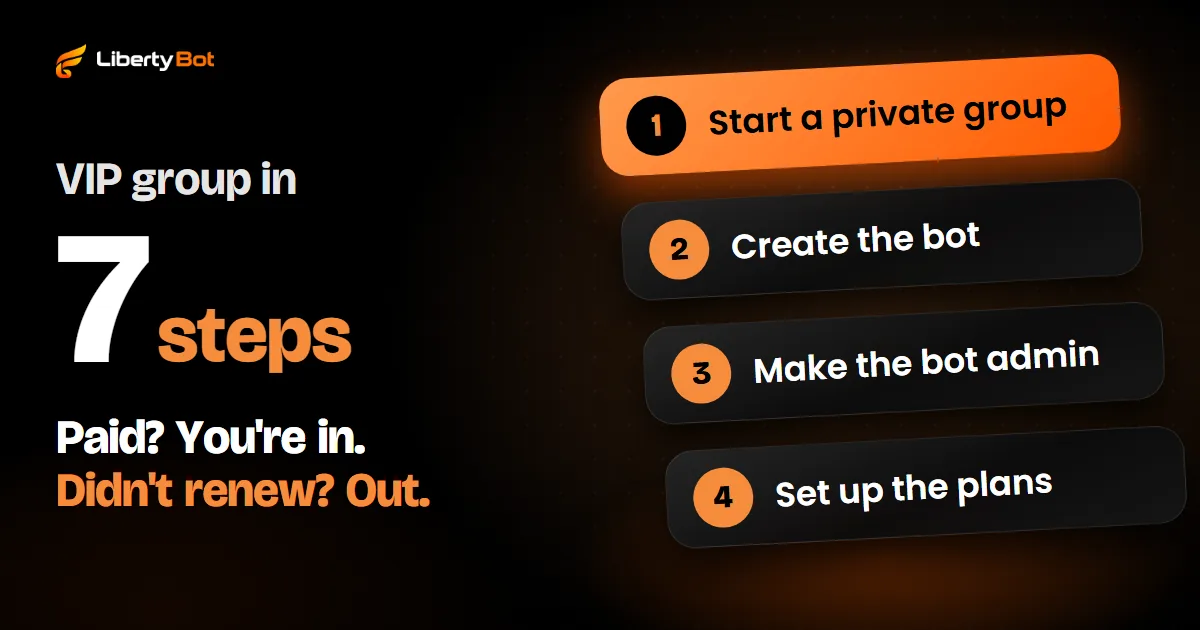
On LibertyBot, this is one of the plan's delivery options, VIP Group/Channel. It works for both groups and channels and handles both ends: the invite after payment and the removal at expiry. How to set up the group on Telegram from scratch is in the guide how to create a VIP group on Telegram.
What needs to be ready first
- A private group or channel. In a public group or channel, anyone can join through the address with its username, no invite needed. Paid access can only be controlled in a private one.
- The bot in the flow. The bot that sells needs to be in Linked Bots, in the flow's Bots section. If the other sections show a padlock, first set up the media cache in Bots.
- A bot from the flow as an admin. In Telegram, open the group, go to Administrators, add the bot and turn on Invite Users via Link and Ban Users. Without the first, the bot can't create the invite; without the second, it can't remove people whose plan expired. For a channel, the path is in how to create a paid channel on Telegram.
With several bots in the same flow, it's enough for one of them to be an admin, with both permissions. If more than one is an admin, turn on both permissions on all of them: the invite can come from any of them. The buyer can chat with any bot in the flow: the admin bot creates the invite, and the message arrives in the chat where the purchase happened.
How to set up the VIP Group/Channel delivery
Open the plan
In My Flows, open the flow and go to the plan that will give access to the group or channel.
Choose the delivery
Under How to deliver, choose VIP Group/Channel.
Choose the group or channel
Under Group or channel, open Select a group or channel... and pick yours. A channel shows up with “(channel)” after its name. The list only shows the groups and channels where a bot from this flow is an admin.
If the list is empty
The dashboard warns that no group or channel has a bot from this flow as an administrator. Make the bot an admin in Telegram and tap Refresh. If it still doesn't show up, remove the bot as admin and add it again: the group enters the list through the notice Telegram sends the bot when its role changes.
Save and publish
Tap Save and publish. Repeat on every plan that should deliver the group. The same option exists in the plans of Remarketing campaigns.
What the buyer gets after paying
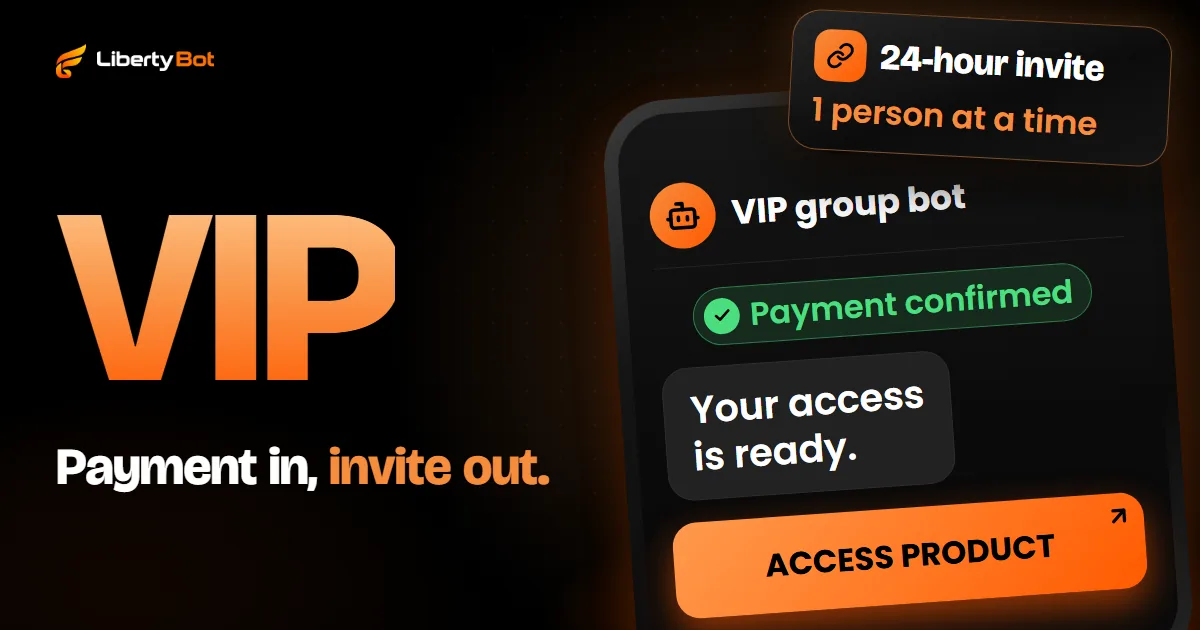
Delivery starts the moment the payment is confirmed. In the chat with the bot, the buyer gets “Your access is ready.” and the ACCESS PRODUCT button, which opens the group or channel invite. That link was created for that purchase: it's valid for 24 hours and admits one person at a time.
- 24 hof validity for each purchase's invite
- 1 person at a timein the group per invite
- 60 minof validity for a new invite resent from the dashboard
If the group is left without a bot from the flow as an admin, or if the admin bot is turned off, the bot doesn't even create the charge: whoever tries to buy reads “Payment temporarily unavailable. Please try again in a few minutes.” This check looks at the bot's role, not its permissions. If it's an admin without Invite Users via Link, or if Telegram refuses the invite for another reason, the purchase is already paid: the buyer gets the notice that access wasn't released, with the TRY DELIVERY AGAIN button.
If the link expires before the person joins
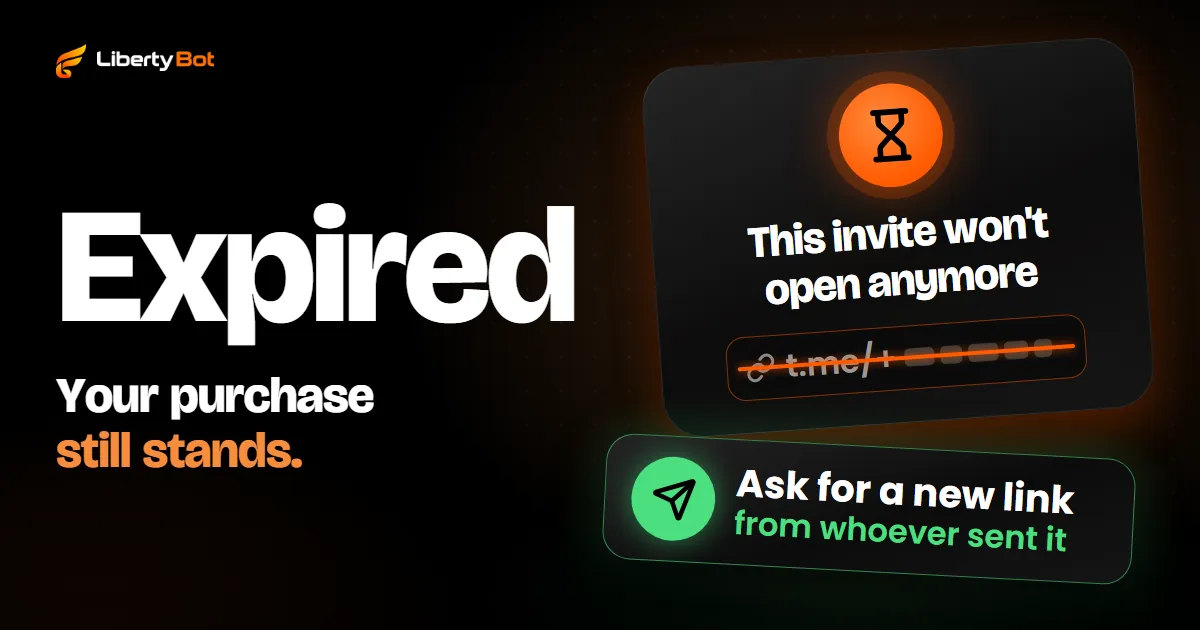
In the VIP Group/Channel delivery, the purchase message only carries ACCESS PRODUCT. If the link expires before they join, the buyer contacts you, and you send another one from the dashboard: in Customers > Access Control, on the person's row, the paper plane button (Resend invite) sends the same link, if it's still valid, or cancels the old one and creates a new one. Anyone already in the group doesn't get another link. What the buyer can do on their side is in Telegram invite link expired.
What happens when the plan expires
The plan's term counts from the payment, not from joining the group. On a 30-day one-time payment plan, someone who pays today and only joins tomorrow stays until 30 days after the payment. On a subscription, access follows the paid renewals.
At expiry, the admin bot removes the person from the group or channel without leaving them banned and cancels the purchase's invite. They can come back with a new purchase. On the Lifetime plan, access doesn't expire and nobody is removed.
To keep the person in the group after expiry, turn off Remove from the group in Subscription > Renewal System > Actions on expiry and tap Save renewal. They stay, but their invite stops working. It comes turned on by default. The same screen holds the reminders before expiring and the message when access expires.
If the bot can't remove someone, because it lost its role or the ban permission, the access shows up as Failed in Access Control. Give the permission back to the bot and use the trash can (Remove from group) on the person's row: they leave and get the access revoked notice.
What automatic delivery doesn't do
- It doesn't tie the link to an account. While it's valid, the invite admits one person at a time, but it doesn't know who bought. Whoever joins through it while the spot is free, before the buyer uses it or after they leave, stays in the group. At expiry, the bot removes the account that made the purchase and no other.
- It doesn't track who leaves. LibertyBot doesn't record on its own who leaves the group after joining. To find out whether someone left, use the circular arrows (Check status on Telegram) on the person's row: anyone who left now shows up as Left.
Want access to your VIP group going out on its own?
Joining the platform is by invitation: the button below puts you on the waiting list.
Free account. 5% per card sale, R$0.50 per crypto or Stars sale.
Frequently asked questions
How do I give automatic access to a Telegram VIP group after payment?
With a bot that is an admin of the group and creates an invite link for each purchase as soon as the payment is confirmed. On LibertyBot, choose VIP Group/Channel under How to deliver, in the plan, and the group where a bot from the flow is an admin.
How long is the VIP group link valid?
Each purchase's invite is valid for 24 hours and admits one person at a time. If it expires before the person joins, a new invite resent from the dashboard is valid for 60 minutes.
Does the plan's term start at payment or when the person joins the group?
At payment. Someone who takes a while to join doesn't get extra days.
Does it work with a Telegram channel?
Yes. The VIP Group/Channel delivery lists the groups and channels where a bot from the flow is an admin, and a channel shows up with “(channel)” after its name.
Can the buyer pass the link on to someone else?
Yes. While it's valid, the link admits one person at a time: whoever joins through it while the spot is free, before the buyer uses it or after they leave, stays. At expiry, the bot removes the account that made the purchase and no other.
Sources (checked on )
- Telegram Bot API: createChatInviteLink (member_limit and expire_date) (opens in a new tab)
- Telegram Bot API: banChatMember and unbanChatMember (opens in a new tab)
- Telegram Bot API: administrator rights (can_invite_users and can_restrict_members) (opens in a new tab)
- Telegram Bot API: updates the bot receives (my_chat_member and chat_member) (opens in a new tab)
- Telegram FAQ: public groups (opens in a new tab)
- Telegram channels FAQ: public and private channels (opens in a new tab)
- Telegram app text in English: Administrators (opens in a new tab)
- Telegram app text in English: Invite Users via Link (opens in a new tab)
- Telegram app text in English: Ban Users (opens in a new tab)